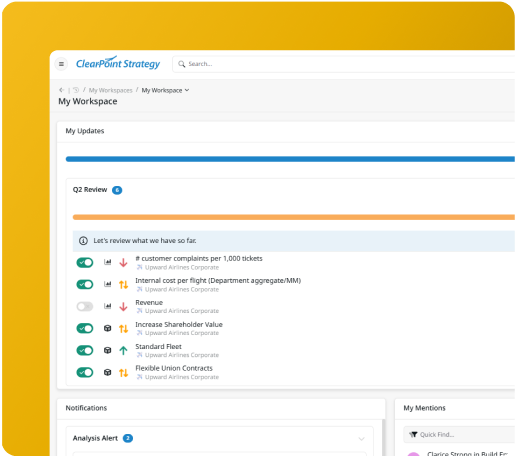
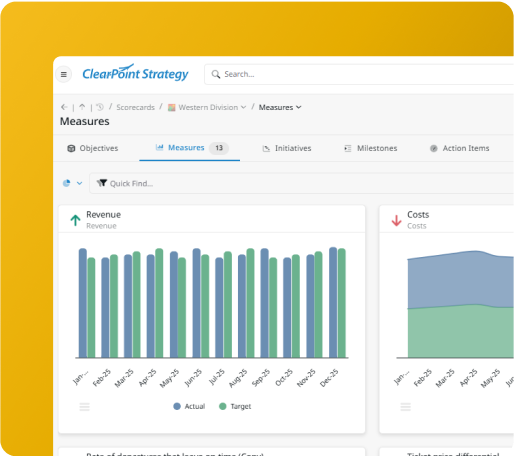
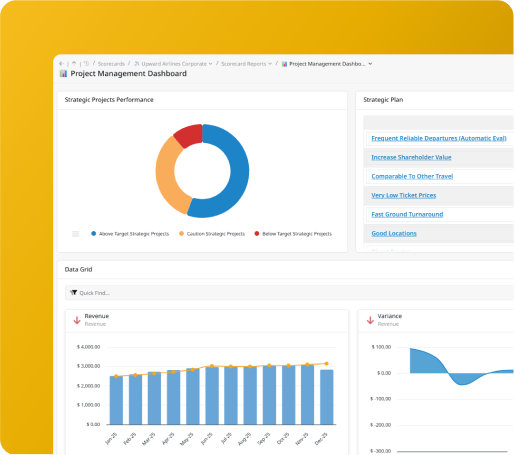
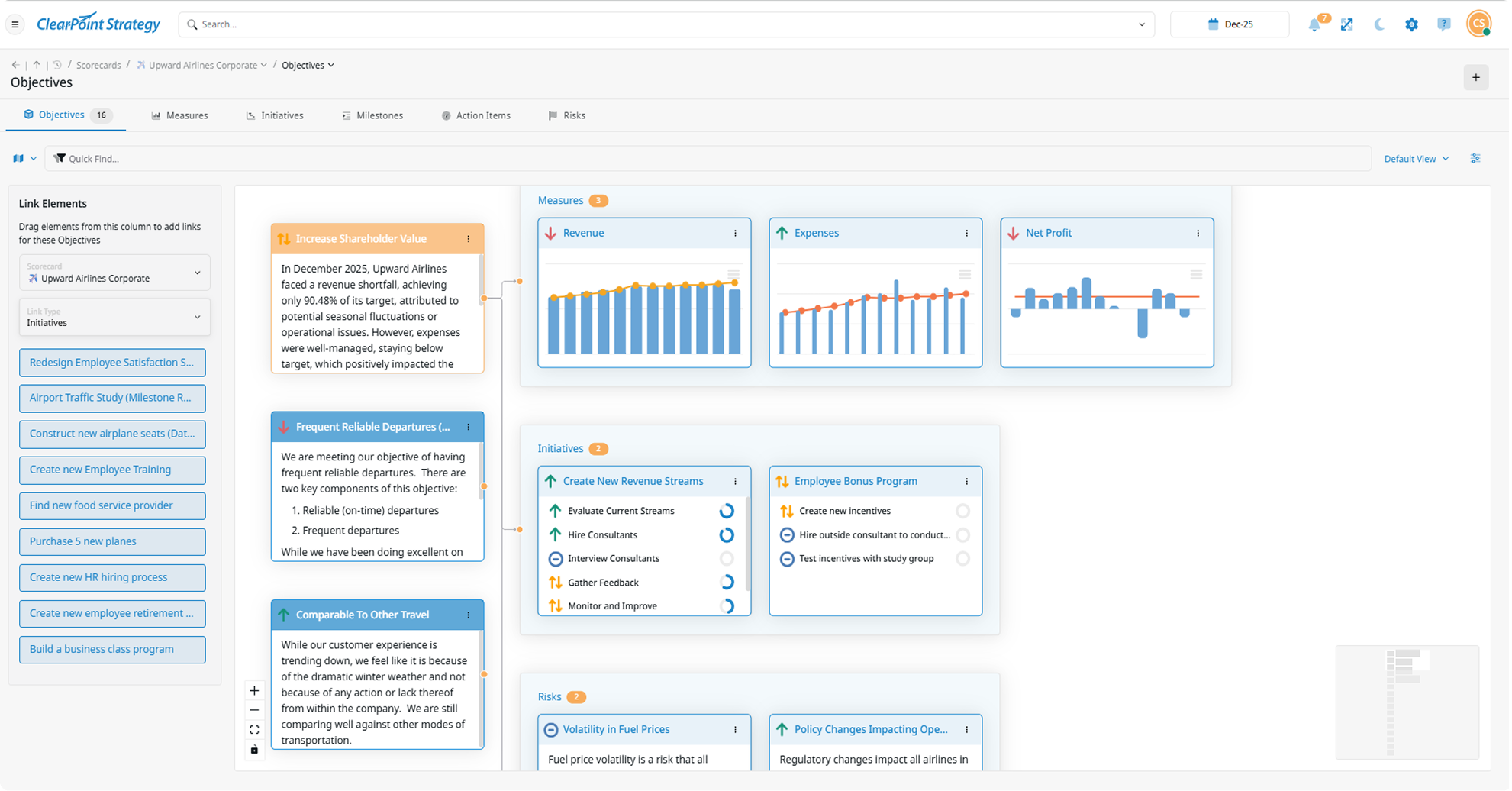
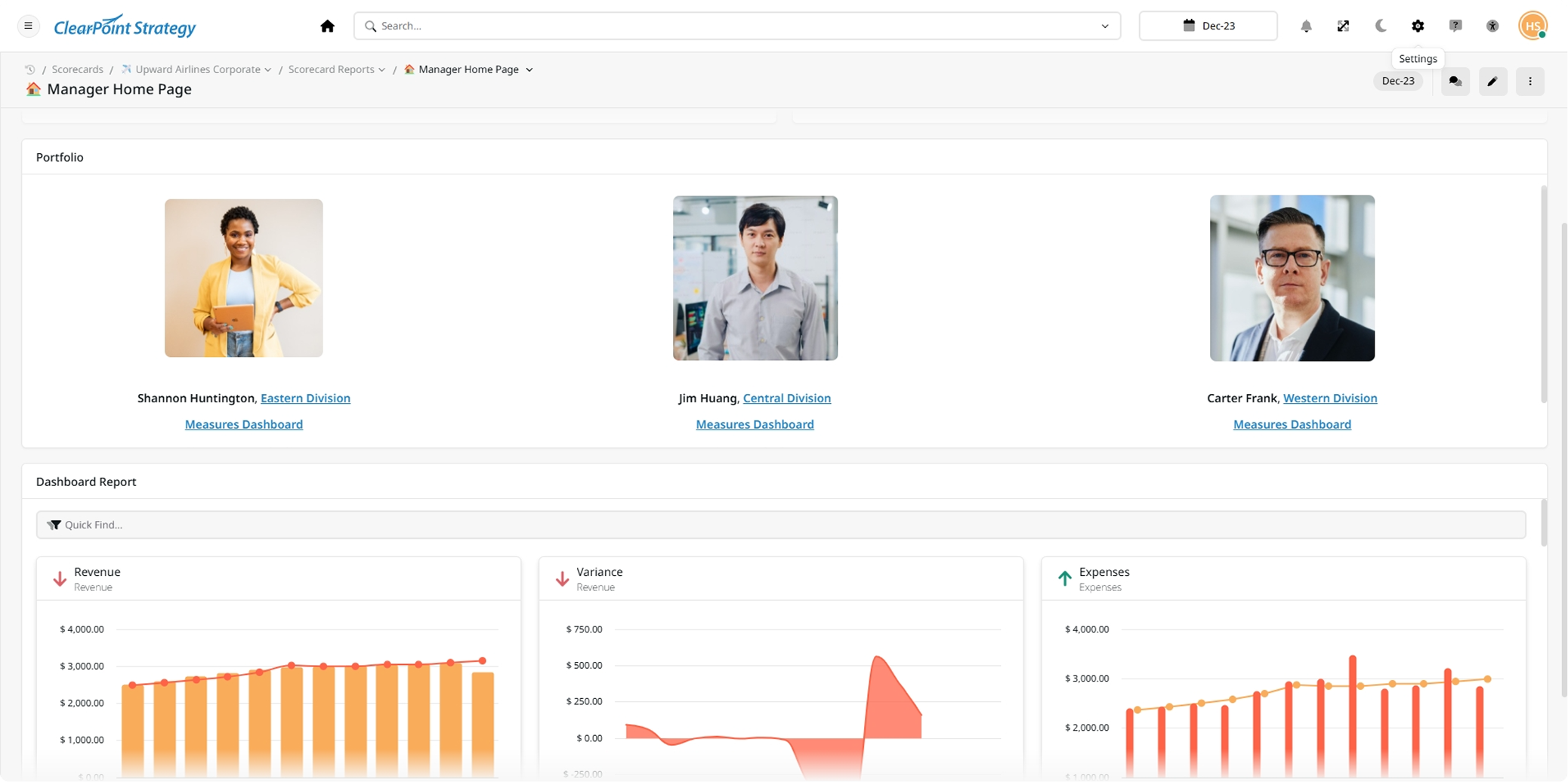
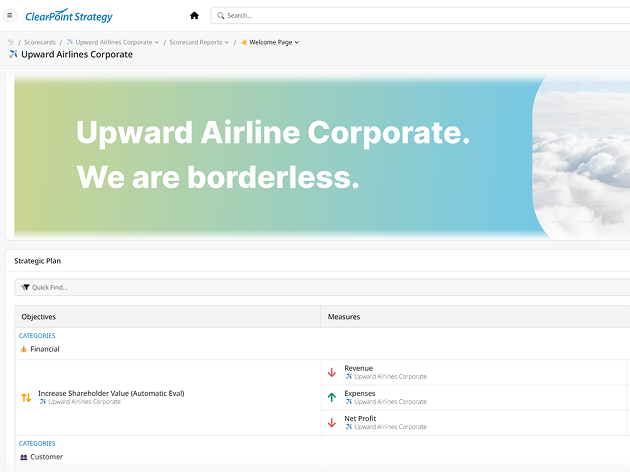
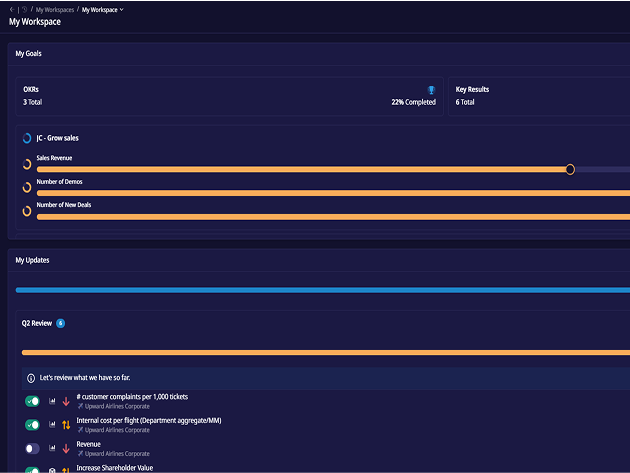
Migrate your dashboards from spreadsheets, fully operational in 3 weeks.
Custom Frameworks
Match your strategy, reporting, and organization structure with flexible templates.
SOC2 Certified Security
Granular permissions, full compliance, and enterprise-grade safeguards.
Platform Data
Public dashboards are still rare — here's what the 7% do differently
Only 29 of the 410 active organizations on ClearPoint (7.1%) publish an embedded public dashboard — and among those that do, the median runs 6 of them (August 2026). In local government the adoption rate rises to 9.5%. The pattern among adopters: they don't build a dashboard about the plan — the dashboard is the plan, refreshed by the same owners who update the measures. That's why it stays current after the launch press release.
7.1%
of the 410 active organizations publish an embedded public dashboard
6
dashboards the median adopter runs
9.5%
adoption among local governments — the highest sector
Source: ClearPoint platform data, August 20, 2026 (n=410 active organizations).
AI ASSISTANTS
AI That Feels Like A Data Analyst
From summarizing key metrics to suggesting what’s off track, ClearPoint AI gives your dashboards the power to think for you.
Build Dashboards
Build a dashboard linking Q3 goals, KPIs, and projects.
Week 1: Assess Current Process,
Week 2-3: Define Success Metrics
Week 4-5: Outline 30/60/90 Day Plan
Can we show weekly progress for each KPI?
Yes—add a trend line for churn rate and break out project milestones by week.
Identify Action Items
What do I need to know from this dashboard today?
1. Churn Rate exceeds target
2. Survey is overdue
Action: Follow up with Support team
Any actions for the Marketing team?
Yes—engagement campaign click rate is low. Suggest A/B testing a new subject line.
Spot Trends & Gaps
Where is performance slipping this month?
Customer Satisfaction dropped 4 points
Project Beta is behind by two milestones
Has this happened before?
Yes—Customer Satisfaction also dipped in Q1 during a product release.
Example conversations — illustrative data, not customer results.
The ClearPoint Strategy team pushed us. They’re setting dates and goals for you, just like you are with your team, and that’s what brought it together.”
Steve Sones
Chief Administration Officer
Insights Built In – No more digging for performance metrics.
Fully Customizeable – Personalized by department or leadership level.
Adapts as You Go – AI writes the summary so you don't have to.
Guided Setup and Support
Seems Like Too Much Work? We'll Handle It
Whether you’re starting from scratch or bringing in an existing plan, ClearPoint gets you up and running without the busywork.
Cascade Strategy to Departments? We’ll help drive execution, not just alignment.
Already in Excel? We’ll import and clean it.
Need a New Dashboard View? AI walks you through it step by step.
Don’t Want to Start from Zero? We’ll set everything up for you.
No Need for Data Analysts: ClearPoint sets everything up for you, even if you don’t have a dashboard yet.
Want to see how it works?
Book a Free Demo
Workflows
Workflows That Catch What You’d Never Spot Manually
ClearPoint automates dashboard updates, alerts, and reporting triggers so your team stays aligned without micromanagement.
KPI Status Change Alert
Send an email to the goal owner when KPI status switches to “off-track.”
Missed Update Warning
Alert departments when data isn’t refreshed or milestones aren’t logged.
Auto Dashboard Update
On scheduled data upload, auto-run calculations and update all charts and dashboards.
Snapshot Archiving
Lock dashboards at key intervals (e.g. quarter end) for audit or analysis
One-Click Summaries
Export dashboard views into PDF summaries with no formatting required.
Quarter-End Review
Conduct a strategic review based on current dashboard performance.
Want custom workflows? We’ll build them with you (no devs needed.)
Features
Track Progress By Department, Team, Or Individual In Real Time
(without opening spreadsheets ever again!)
From executive dashboards to frontline tasks. ClearPoint gives you full visibility into how your strategy is performing across every level, every department.
Strategy Dashboards
Monitor KPI health across teams with real-time, high-level views.
Gantt Charts
Track timelines, task dependencies and overall project flow on autopilot.
Kanban Boards
Visualize task progress and spot bottlenecks at a glance.
Goal Alignment View
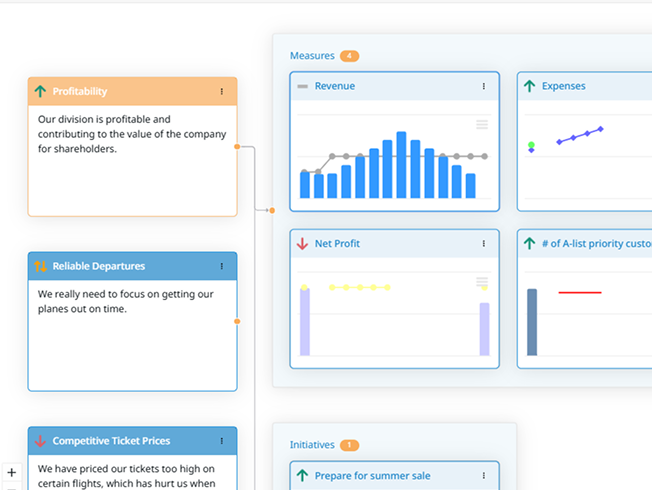
Drill down from org-level goals to individual team actions in seconds.
Custom Views
Build reports filtered by team, region or any custom dimension.
Still Chasing Updates? Here’s How ClearPoint Makes Them Dynamic
Assign tasks, leave comments, set permissions, and trigger alerts. So teams stay aligned without weekly meetings, messy email threads, or status-chasing on Slack.
Inline Comments Discuss KPIs in the dashboard where they live
Smart Permissions Control who sees and edits what, down to the goal, metric, or report.
Custom Alerts Get notified when deadlines slip, tasks stall, or updates go missing.
Approvals Built In Route updates for sign-off with audit trails and approval workflows.
Live Reports Generate reports that always reflect the latest plan, automatically.
Email + MS Teams Integration Send updates to your team’s tools, without switching platforms.
Finally, keep everyone aligned and accountable (without needing a single status meeting!)
FAQ
Strategy dashboards, answered
What is a strategy dashboard?
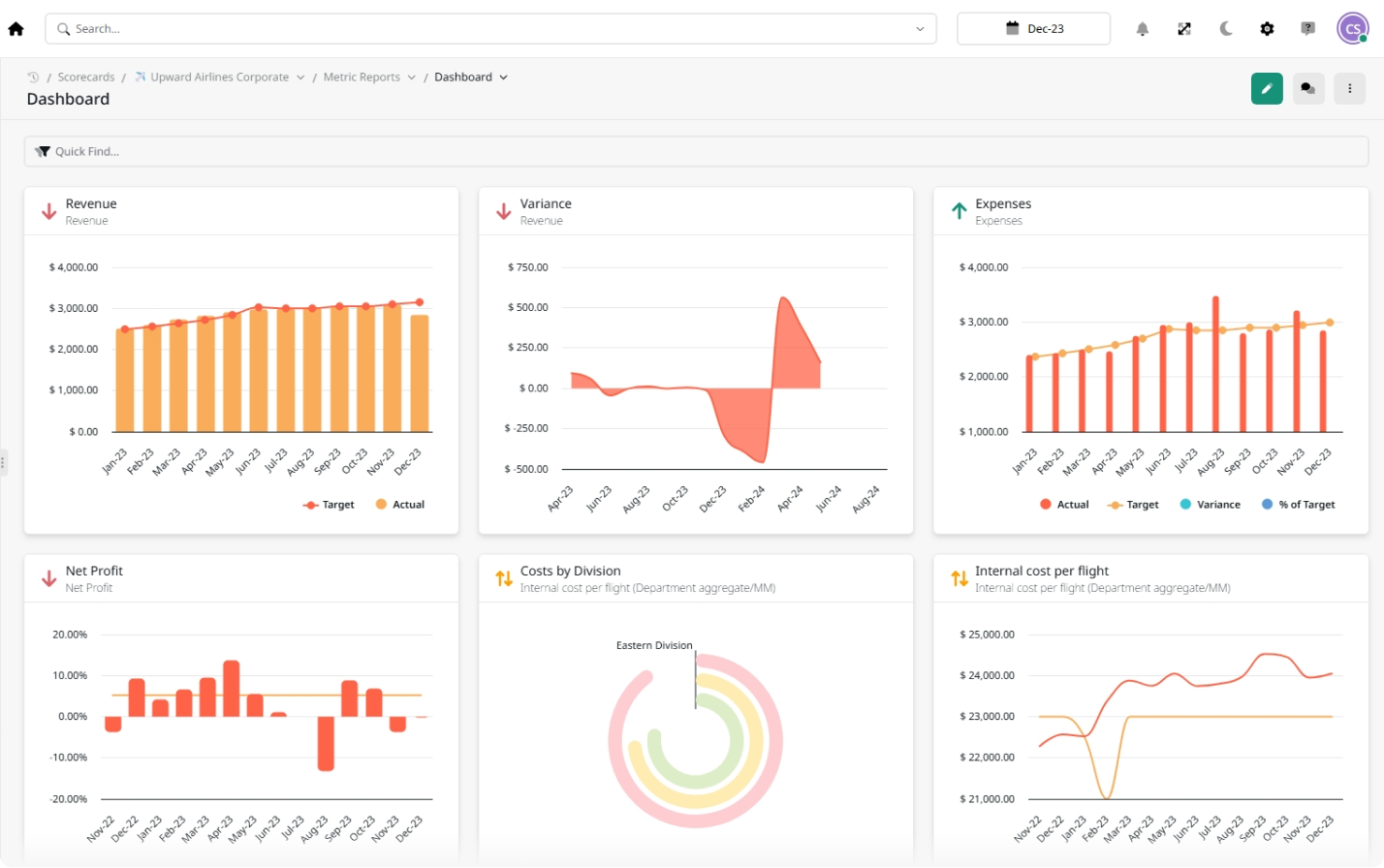
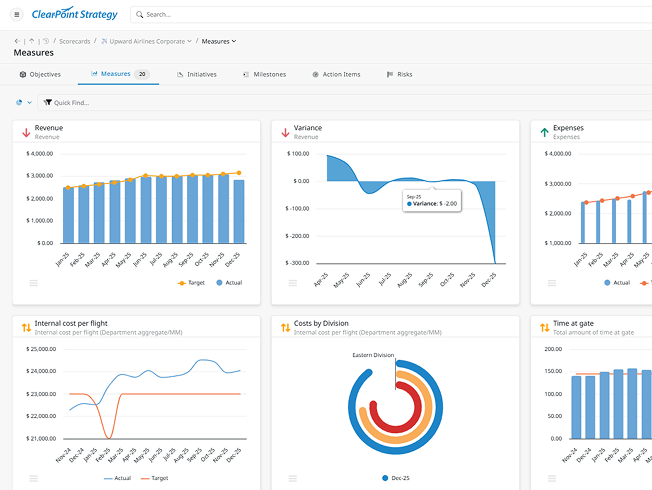
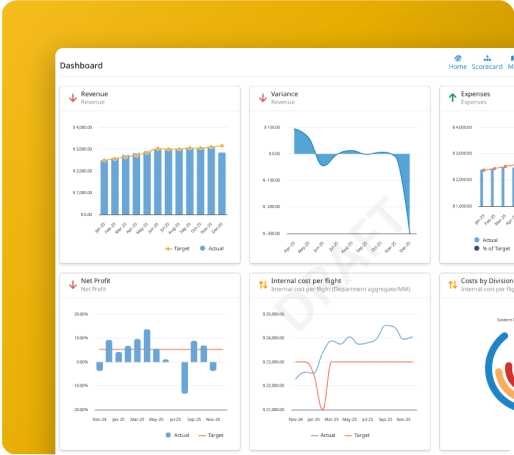
A live view of objectives, KPIs, and initiatives with status against target — built from the tracked plan itself, so it updates when owners update, not when an analyst rebuilds it.
How do I connect disparate data sources into a single strategy dashboard?
Through the measure layer: each KPI in ClearPoint pulls from its source (spreadsheet import, API, or manual owner update on a reminder cadence) and every dashboard reads the same measures. One number, everywhere it appears.
How common are public-facing dashboards?
Rarer than the marketing suggests: 7.1% of the 410 active organizations on ClearPoint publish an embedded public dashboard (9.5% in local government, August 2026). The ones that last are refreshed by measure owners, not by a comms team.
What makes a dashboard “board-ready”?
Status, owner, and commentary on every tile — and one click from dashboard to the underlying measure history when a board member asks “why is this red?”
Dashboards vs scorecards — what’s the difference?
A scorecard organizes objectives and measures inside a framework (Balanced Scorecard, OKR, custom); a dashboard is the visual layer on top. ClearPoint gives every scorecard its dashboards without rebuilding data.
How fast can we build our first dashboard?
During your demo, live, on your data — and in production, within the 3-week setup to your first live scorecard.
book a free demo
In Just 30 Min, We’ll Show You
How to Build Dashboards That Drive Action.
(without opening spreadsheets ever again!)
Instantly align every one of your projects with a single dashboard.
Customize every detail of your dashboard from data to design.
Ask anything about frameworks, workflows, or custom views, we’ll show you LIVE on your objectives!
We showed them 4 dashboards and none of them told the full story. In the demo, they helped us build one that finally did. We didn’t expect to get that far in 30 minutes."
Monica C.
Strategic Planning & Performance Manager
Talk to a strategy expert!
Based on 150+ customer reviews
Not ready to schedule a demo?
No worries. Just enter your contact info below to get instant access to an interactive tour.