We analyzed over 20,000 strategic plans. Get a copy of the full report.



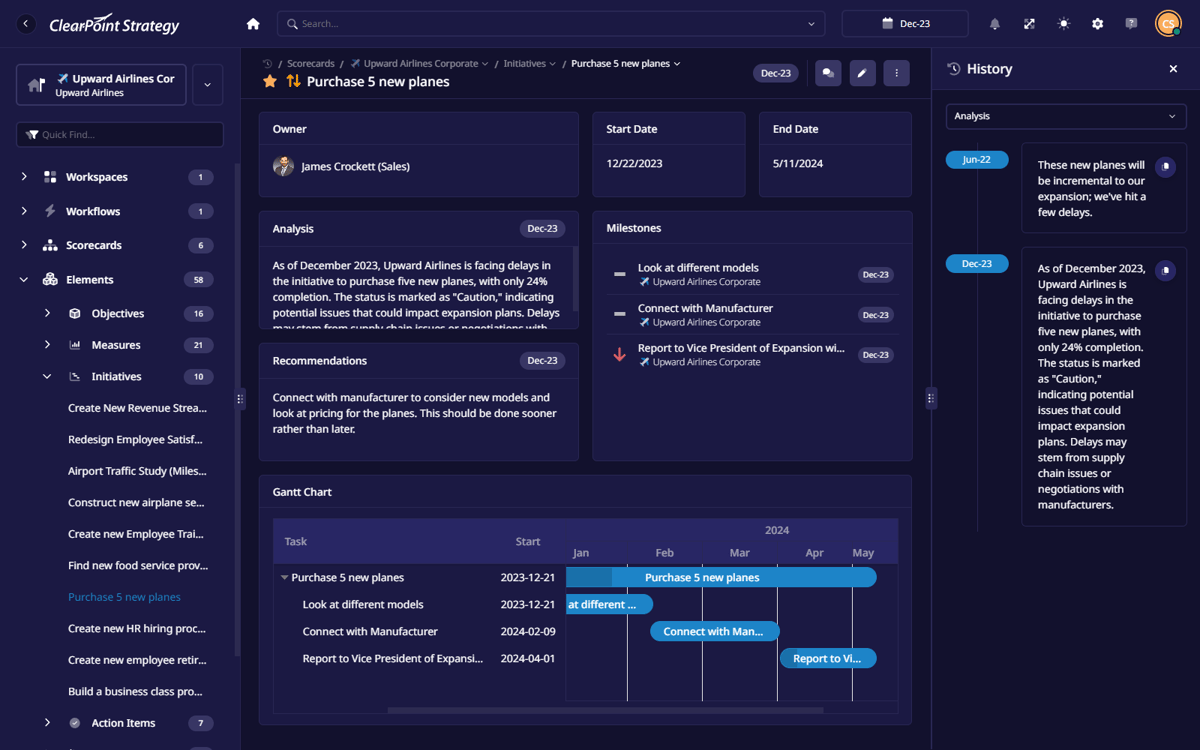
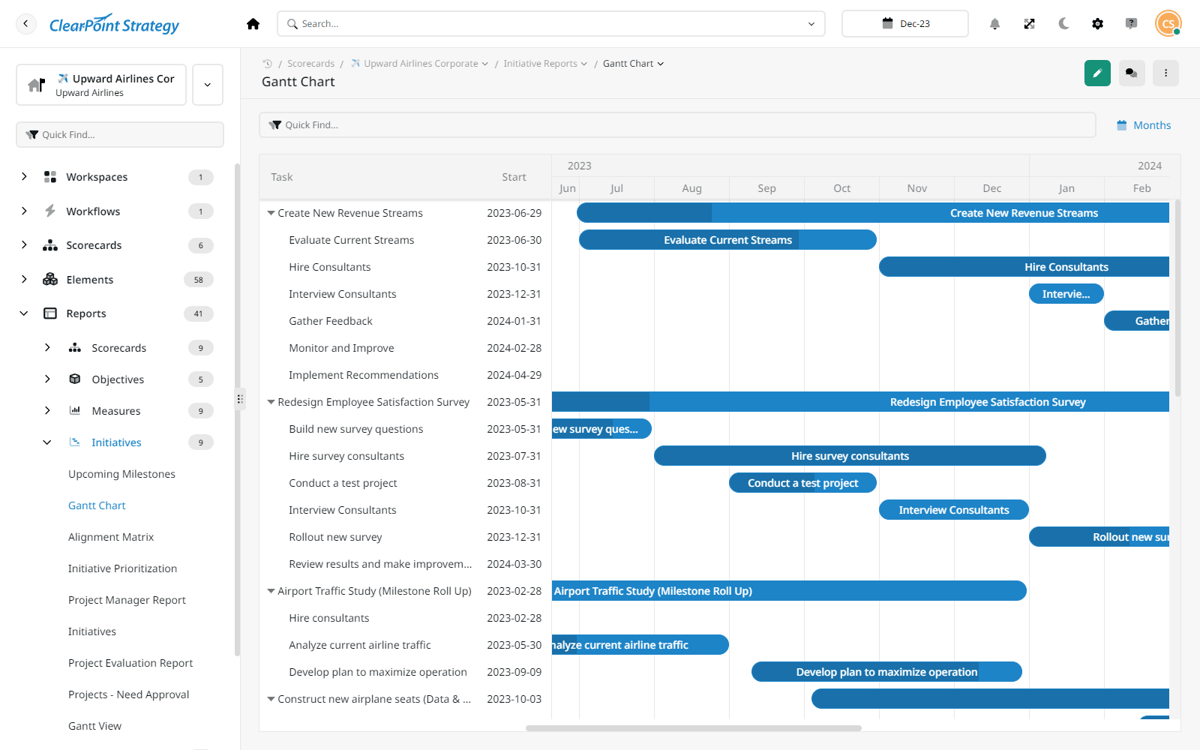
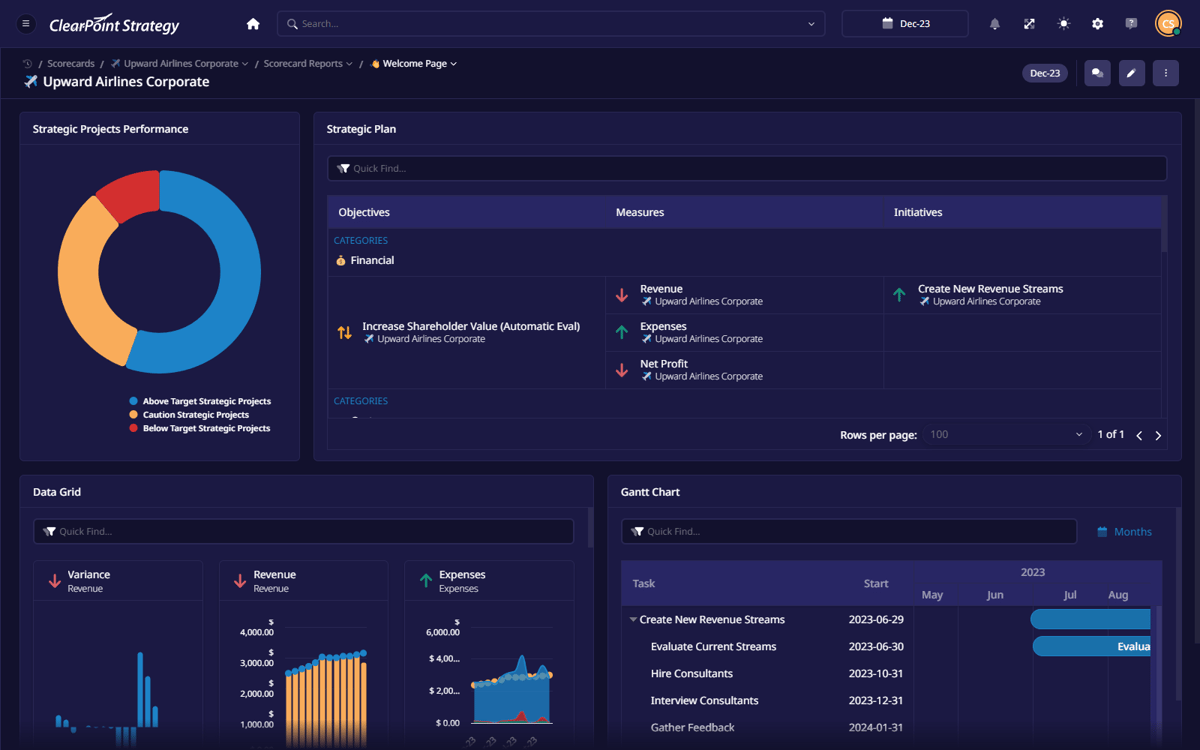

Guided Data Migration
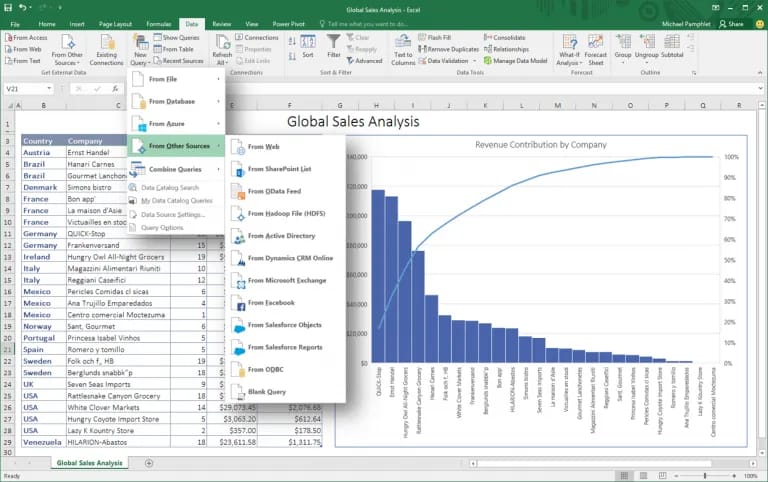
We’ll help you move all your strategy and KPI data from spreadsheets to ClearPoint.


Seamless Integration
Connect with Power BI, Snowflake, SQL Server and more to streamline strategy and reporting in one place.
SOC 2 Type II Security
Your data stays safe with enterprise-level security and strict access controls.
Trusted by more than 15,000 users at leading organizations worldwide

%25201.png)




Problem
How Your Plan Looks
in a Spreadsheet vs ClearPoint

Team Lead
Why didn’t you get my update?
CFO
These numbers are out of date...
project manager
I thought this was fixed already?

“Spreadsheets broke everything—lost updates, outdated data, and endless confusion. ClearPoint fixed it all.”
Becky E.
Innovation Manager

Finally, Everything in
One Place 🙌🏽
Track objectives, measures, and initiatives in real time. See progress, spot issues, and generate reports instantly.

how it works
Turn Your Detailed Strategic Plan Into
Daily Tasks For Every Team & Department
SET UP FOR SUCCESS
Get Up And Running
In 2-3 Weeks
With Our Help
We adapt to your strategy, team, and workflow—no more forcing your process into rigid tools.
Migrate Existing Data – Import everything from spreadsheets without losing structure.
Customize to Your Needs – Align ClearPoint with your goals, teams, and reporting framework.
features
Every Person, From Every Team, Knows Exactly What To Do
Get the tools to track KPIs, assign tasks, monitor progress,and keep every initiative on target.
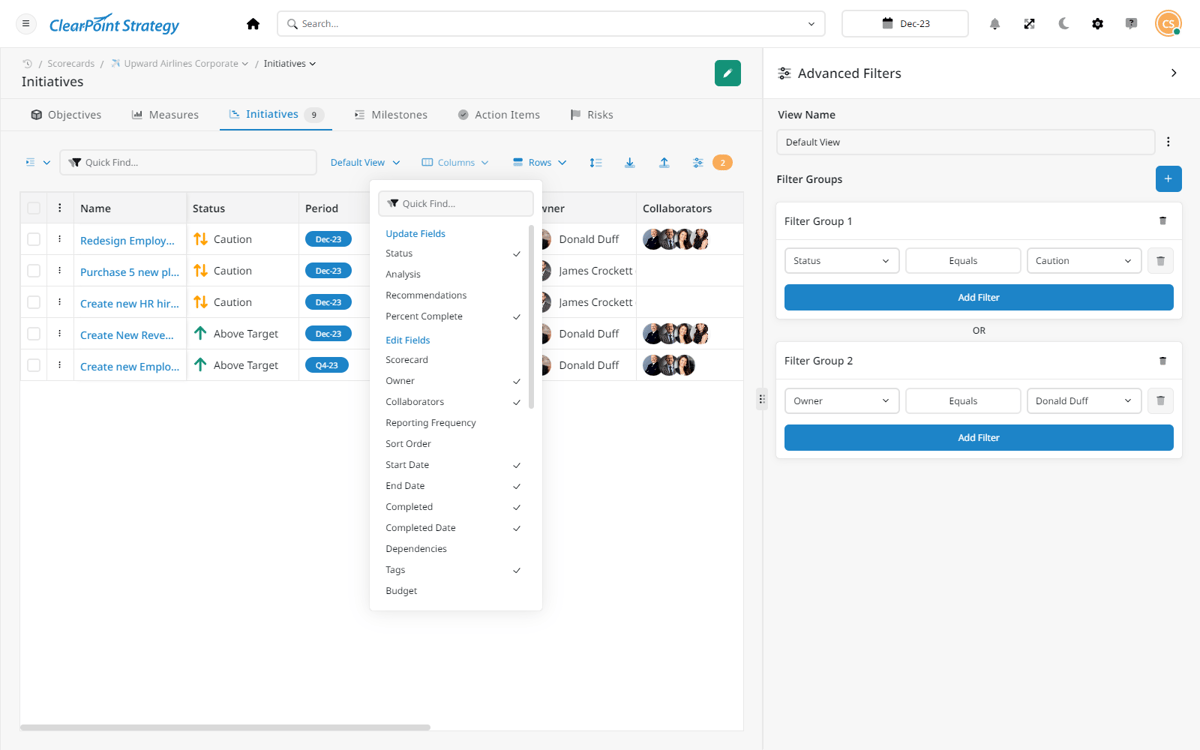
Custom Views
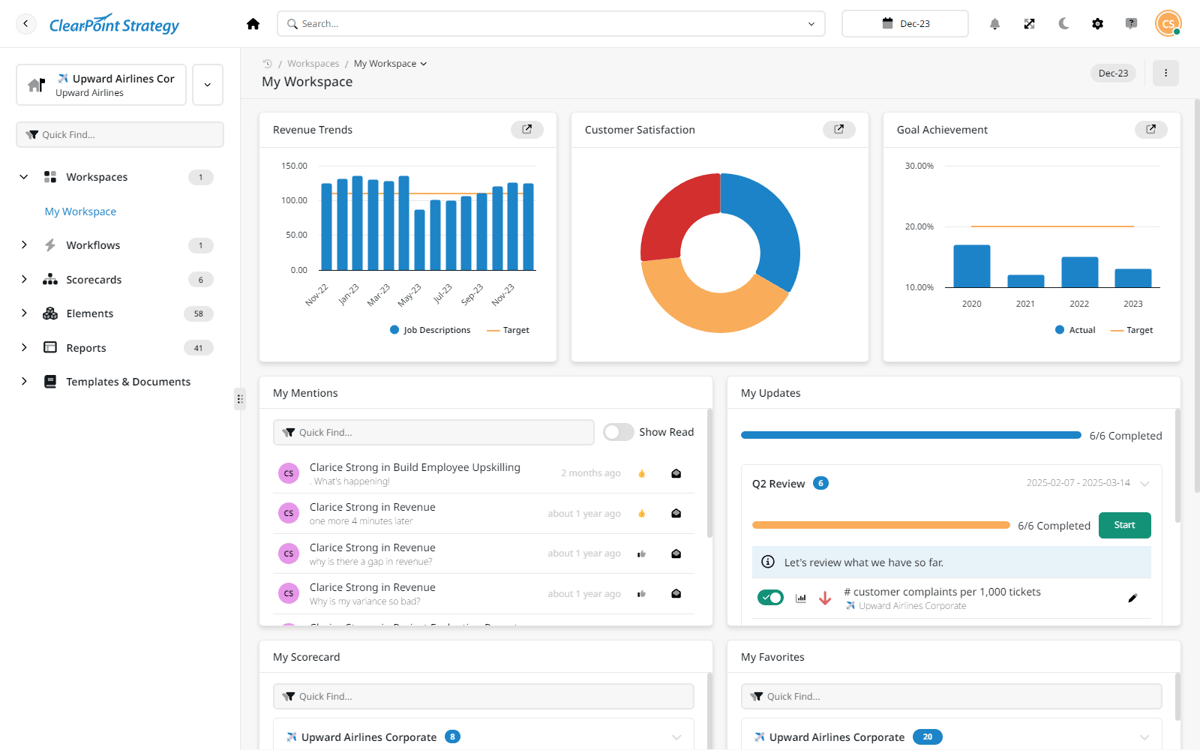
Filter data by team, department, or individual to see progress, responsibilities, and key updates in real-time.
See Custom Views
Smart Reminders
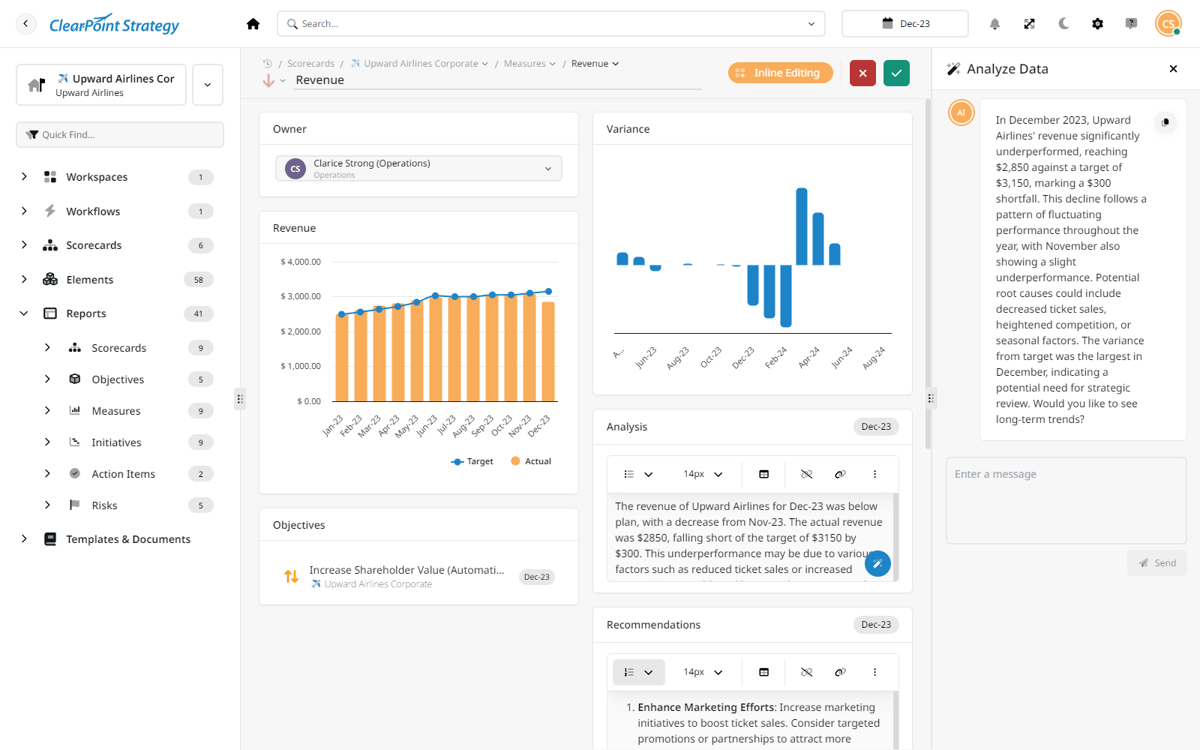
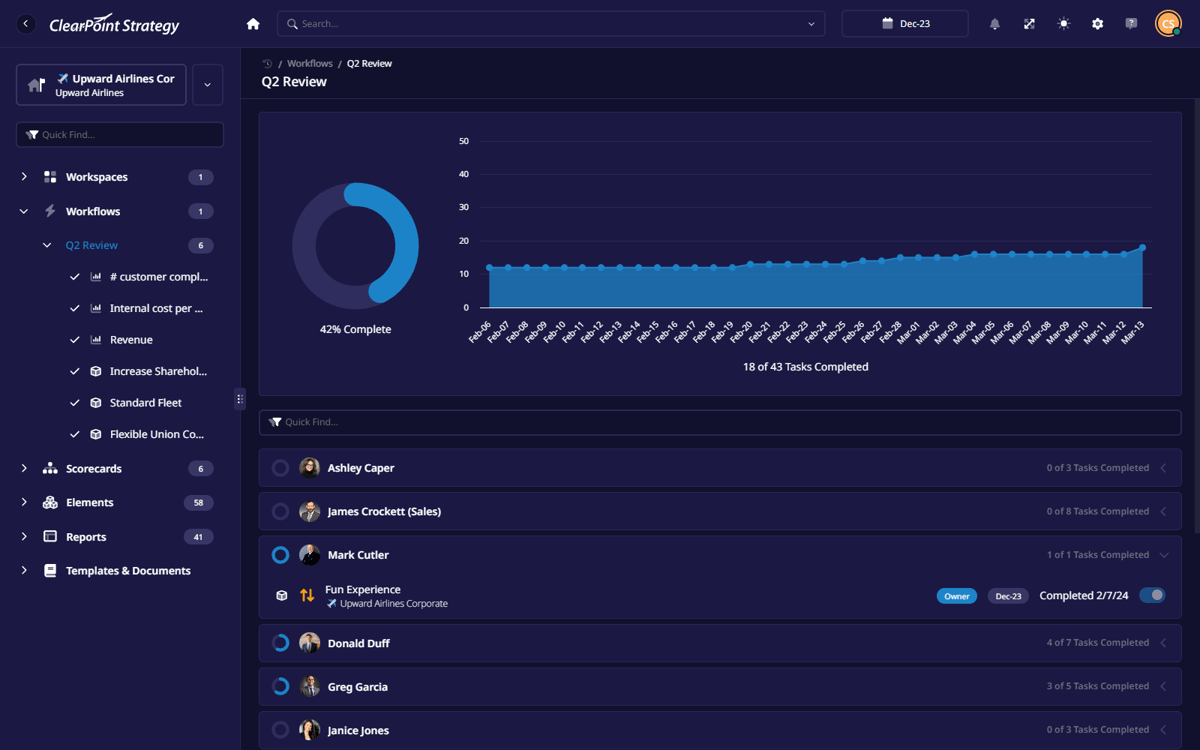
Get automatic updates and alerts to ensure tasks, reports, and strategic goals stay on track.
Project Management
Manage initiatives, deadlines, and dependencies in one place, keeping every project aligned with your strategy.
Key Metrics
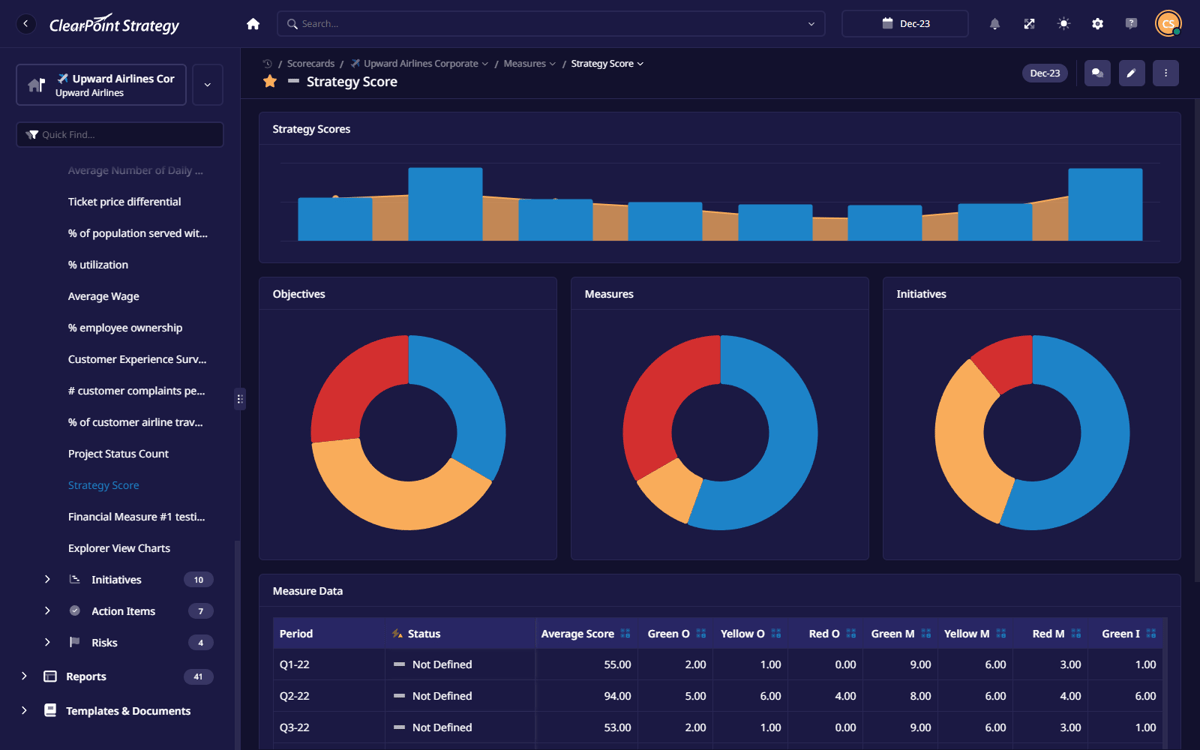
Track performance with real-time KPIs, so you always know what’s working and what needs attention.
Live Dashboards
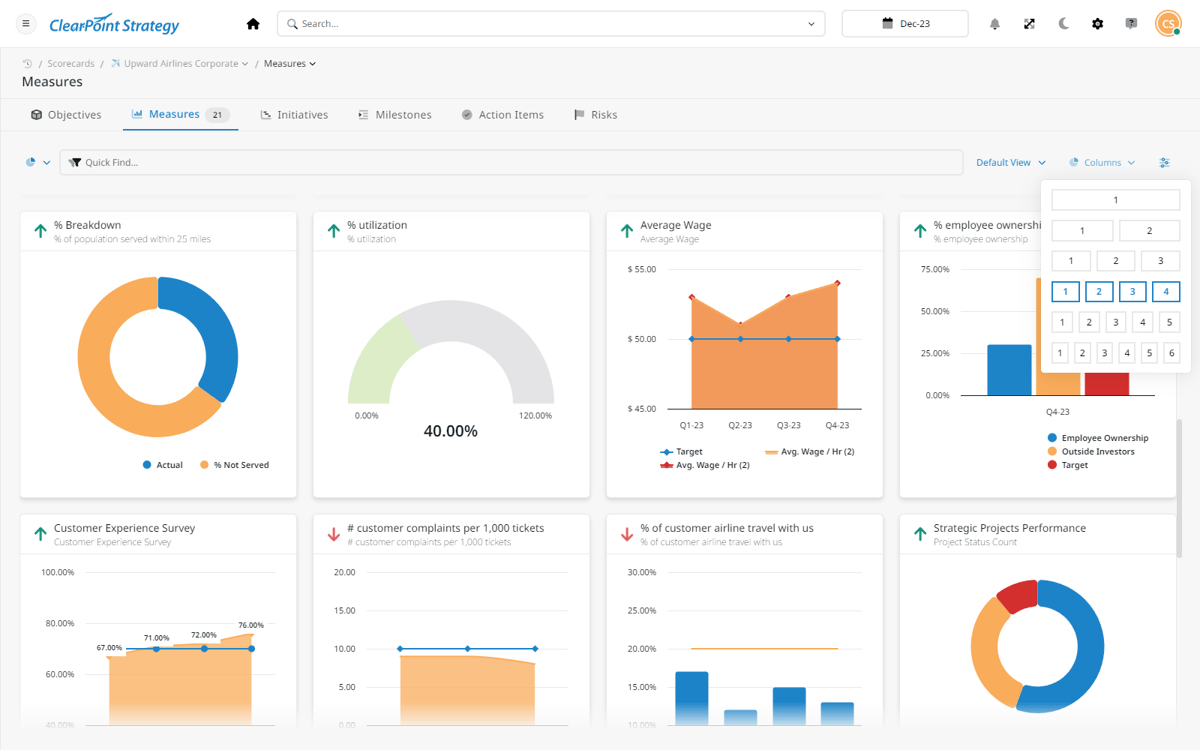
Get a clear, real-time view of goals, reports, and key data—all in one easy-to-use dashboard.
Custom Views
Filter data by team, department, or individual to see progress, responsibilities, and key updates in real-time.
Smart Reminders
Get automatic updates and alerts to ensure tasks, reports, and strategic goals stay on track.
See Smart Reminders
Project Management
Manage initiatives, deadlines, and dependencies in one place, keeping every project aligned with your strategy.
Key Metrics
Track performance with real-time KPIs, so you always know what’s working and what needs attention.
Live Dashboards
Get a clear, real-time view of goals, reports, and key data—all in one easy-to-use dashboard.
Custom Views
Filter data by team, department, or individual to see progress, responsibilities, and key updates in real-time.
Smart Reminders
Get automatic updates and alerts to ensure tasks, reports, and strategic goals stay on track.
Project Management
Manage initiatives, deadlines, and dependencies in one place, keeping every project aligned with your strategy.
See Project Management
Key Metrics
Track performance with real-time KPIs, so you always know what’s working and what needs attention.
Live Dashboards
Get a clear, real-time view of goals, reports, and key data—all in one easy-to-use dashboard.
Custom Views
Filter data by team, department, or individual to see progress, responsibilities, and key updates in real-time.
Smart Reminders
Get automatic updates and alerts to ensure tasks, reports, and strategic goals stay on track.
Project Management
Manage initiatives, deadlines, and dependencies in one place, keeping every project aligned with your strategy.
Key Metrics
Track performance with real-time KPIs, so you always know what’s working and what needs attention.
See Key Metrics
Live Dashboards
Get a clear, real-time view of goals, reports, and key data—all in one easy-to-use dashboard.
Custom Views
Filter data by team, department, or individual to see progress, responsibilities, and key updates in real-time.
Smart Reminders
Get automatic updates and alerts to ensure tasks, reports, and strategic goals stay on track.
Project Management
Manage initiatives, deadlines, and dependencies in one place, keeping every project aligned with your strategy.
Key Metrics
Track performance with real-time KPIs, so you always know what’s working and what needs attention.
Live Dashboards
Get a clear, real-time view of goals, reports, and key data—all in one easy-to-use dashboard.
See Live Dashboards
automation
Tweaked Your Plan? Here’s How ClearPoint Automates All The Changes
Users save an average of 89 hours per report by eliminating manual work through these automations.
Data Collection

Bulk Spreadsheet Data

ClearPoint Data Loader
Scheduled Workflows

Updater Flow

Timely Team Reminders
Status Evaluations

Calculations and Evaluations

Status Indicators
Automated Alerts

Key Metric Changes

Red Alert Measures
Report Generation

Schedule Reports

Distribute to Stakeholders
Export Briefing Books

Consolidate Key Insights

Briefing Books for Meetings


Reporting
Reporting, Without the Headache
Stop dreading reporting (yes, it's possible!). Unify data, automate updates, and visualize insights with ease.
Single Source of Truth for Reporting
Create reports that pull real-time data automatically, ensuring accurate insights across sales, marketing, and operations.
Always Up-to-Date – Reports refresh automatically with the latest numbers, eliminating manual updates.
Unified Data & Visuals – Get performance metrics, trends, and charts in one fully updated report.


I used to spend days (sometimes weeks!) pulling reports together. Now, ClearPoint does it automatically—I don’t even have to think about it.”
Brandie Halloway
Director of Strategy


Best-In-Class Support

Live chat support
Get instant help from a real person on our team—just type your questions and get real-time answers.

Tricia

Joseph

Marisa
testimonials
ClearPoint Aligns Strategies
Everywhere

“This system keeps you finding operational efficiencies. Several of these opportunities have resulted in millions of dollars in savings!”
%25201%2520(1).png)
“Everyone is rowing in the same direction in ClearPoint, which contributes to our overall performance.”
“ClearPoint has taken our strategy-focused organization to the next level.”
“ClearPoint is an excellent product with superior support. It has been an excellent tool to use!”
BOOK A FREE DEMO
Give Us 30 Minutes,
And We’ll Show You
How To Never Do
Manual Reports Again

We’ll tailor ClearPoint to match your strategy, team, and goals for a perfect fit.
No guesswork—get an exact quote based on your needs, with no hidden fees.
Always Up-to-Date – Reports refresh automatically with the latest numbers, eliminating manual updates.

Based on 150+ customer reviews

Talk to a strategy expert!
Not Ready for a Demo?
Take a quick Self-Guided Tour!
Get instant access to an interactive, self-guided tour
.svg)