SharePoint does a lot, but it has to be configured for each job. Here are 13 tools that cover parts of what it does with less setup.
- Name the main job the tool must do first. SharePoint needs configuring for each use, and stretching it to strategy planning makes planning slower.
- Count configuration, maintenance and upgrade costs along with the license. SharePoint doesn't come out of the box, so provisioning, upgrades and servers can make it a nonstarter.
- Compare setup and training time. Glasscubes says users can set it up themselves and train others in a day, against the weeks SharePoint may take.
- Match the tool to how your team collaborates. Samepage suits heavy synchronous editing; teams spread across very different time zones gain less from it.
- Check each vendor's current product. The list describes tools as they were when it was written.
What SharePoint is and why teams look elsewhere
Microsoft SharePoint is a collaboration and document management tool. Organizations use it as a cloud-based document sharing platform, a business intelligence (BI) platform, a builder for collaborative sites, documents, calendars and lists, or a content management system (CMS). Because it does so many things, it has to be configured to fit each company. Some firms have built whole businesses on custom SharePoint work.
That flexibility has three costs. First, it takes real time and effort to configure SharePoint for collaboration, then to maintain it. What starts simple can grow into a complex network that is hard to manage. Second, it may not fit every job: it can work well for storing shared documents but is less suited to holding full reports for a review meeting. Third, it doesn't come out of the box, so provisioning, upgrades and servers can make the total cost a nonstarter.
13 alternatives to SharePoint
The tools below are listed in no particular order. Each covers some of what SharePoint does and adds features of its own. Product names and features are described as they were when this list was written, so check each vendor's current offering before you choose.
1. ClearPoint Strategy
ClearPoint Strategy suits teams that need strategic planning, project management and collaboration in one place. Organizations use it to track KPIs and projects, build reports and work toward their strategic goals. Using the Balanced Scorecard method, teams check that their most important projects stay aligned with their business strategy.
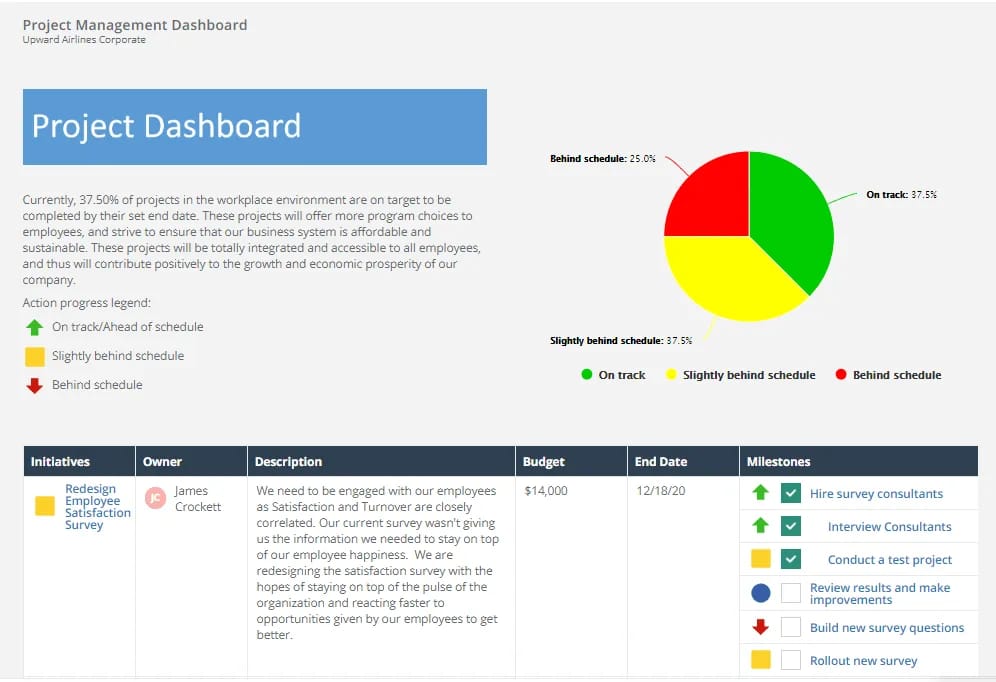
Strategy and project data sit together, and each team member updates the status of their own work. Customers build reports with charts for specific audiences, drill into project details to find issues and roadblocks and attach documents to individual pages so teammates have the reference material they need.
See how ClearPoint would run your plan — book a demo
2. ClickUp
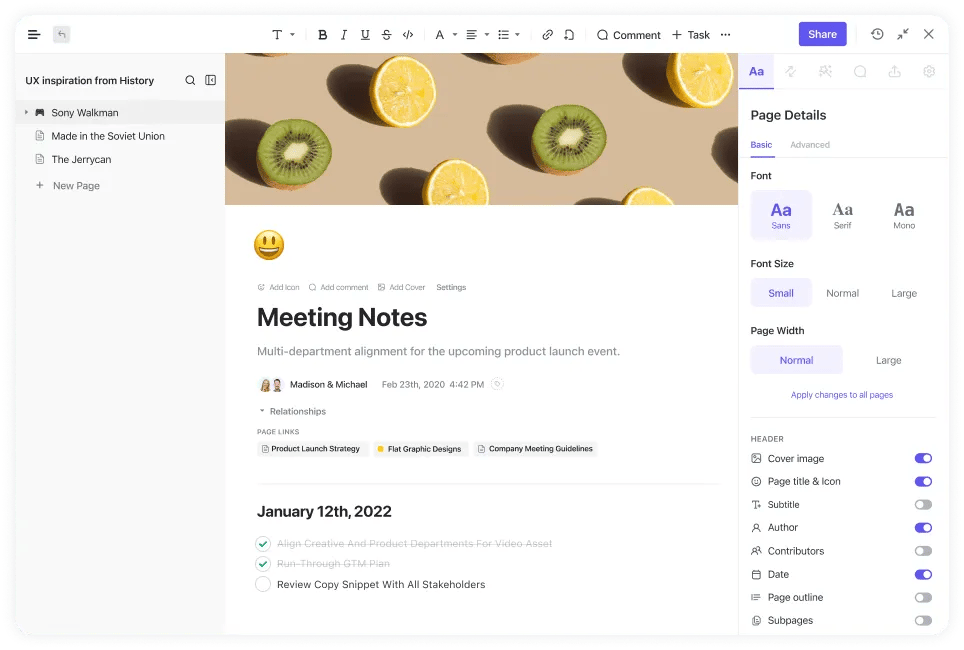
ClickUp is a customizable productivity platform for managing and monitoring project updates, whatever project style you use. It works as a SharePoint alternative because its collaborative Docs can be connected to workflows. Team members edit Docs at the same time, assign comments and share a knowledge base publicly by URL.
3. Glasscubes
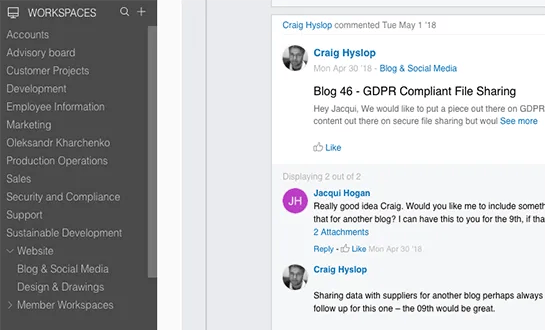
Glasscubes markets itself as a SharePoint alternative. It covers similar ground, such as document management and intranets, but focuses on simple setup and use. Glasscubes says users can set it up themselves without tying up IT and train other users in a day, where SharePoint may take weeks. That ease of use makes it a candidate if you often work with external parties and don't want to spend time teaching clients the tool.
4. Huddle
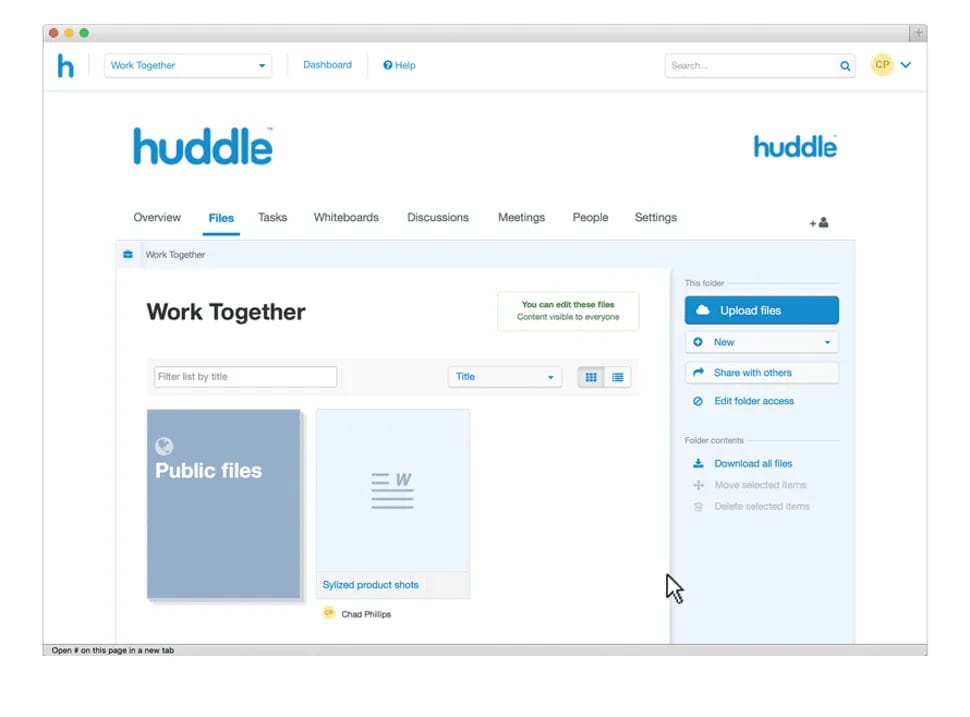
Huddle is similar to Glasscubes but centers on document management and file sharing, with task management in a smaller role. Like Glasscubes, it claims to be easier to use than SharePoint. Its customizable workspaces let your team and clients work together securely.
5. Samepage
Samepage stands out for real-time page editing with built-in communication: your team can chat in the same screen as the document under discussion. That makes it a fit for files that need a lot of synchronous work to finish. It helps less if your team mostly works asynchronously, for example across very different time zones.
6. Liferay
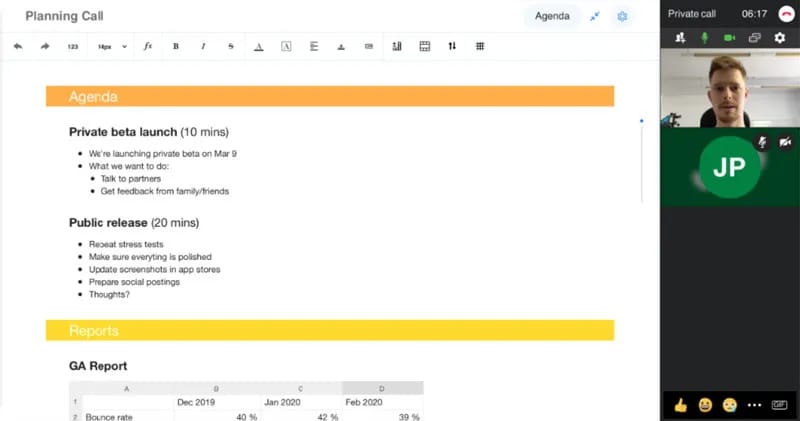
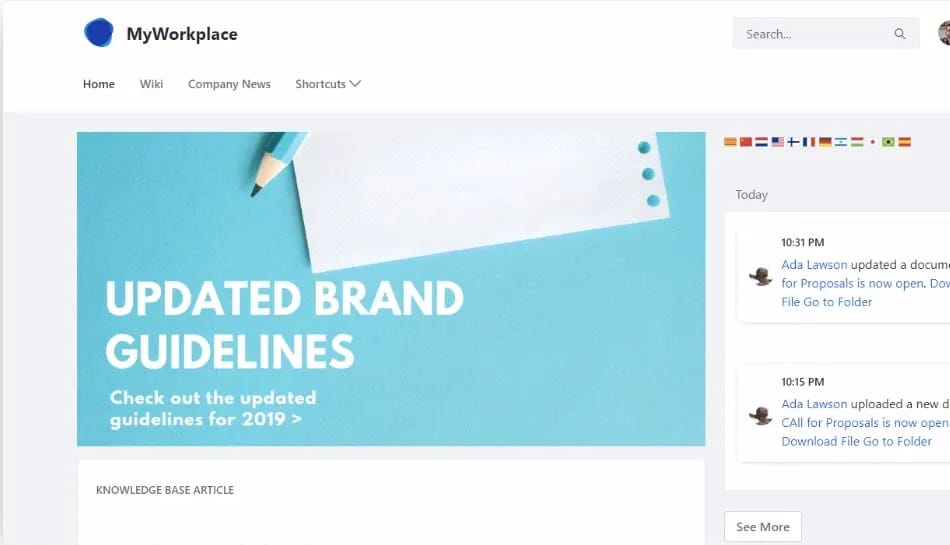
Liferay is a digital experience platform. Users can build intranets with wikis, forums, knowledge bases and blogs to keep employees informed wherever they work.
7. Nuxeo
Nuxeo is an enterprise content management (ECM) system built for content that is complex, large in size and volume, and varied in type and delivery channel. Beyond standard features such as classification, search, check-in/out, version control and auditing, it uses artificial intelligence (AI). Nuxeo claims AI helps it find relationships across content types and model documents in depth.

8. Confluence
Confluence, from Atlassian, gives teams a shared workspace focused on knowledge management and project collaboration. Its main draw is a template library covering business strategy, design and human resources, in formats such as marketing plans and SWOT analyses. Software teams can pair it with Jira Software, Atlassian's tool for agile teams to plan, track, release and report on work.

9. Source by IC Thrive
Source is billed as a SharePoint alternative without the complexity or custom code, and IC Thrive claims implementation is quick. Features that take work to roll out in SharePoint, such as polls, Active Directory integration, and policy and procedure management, come prebuilt.
10. Jostle
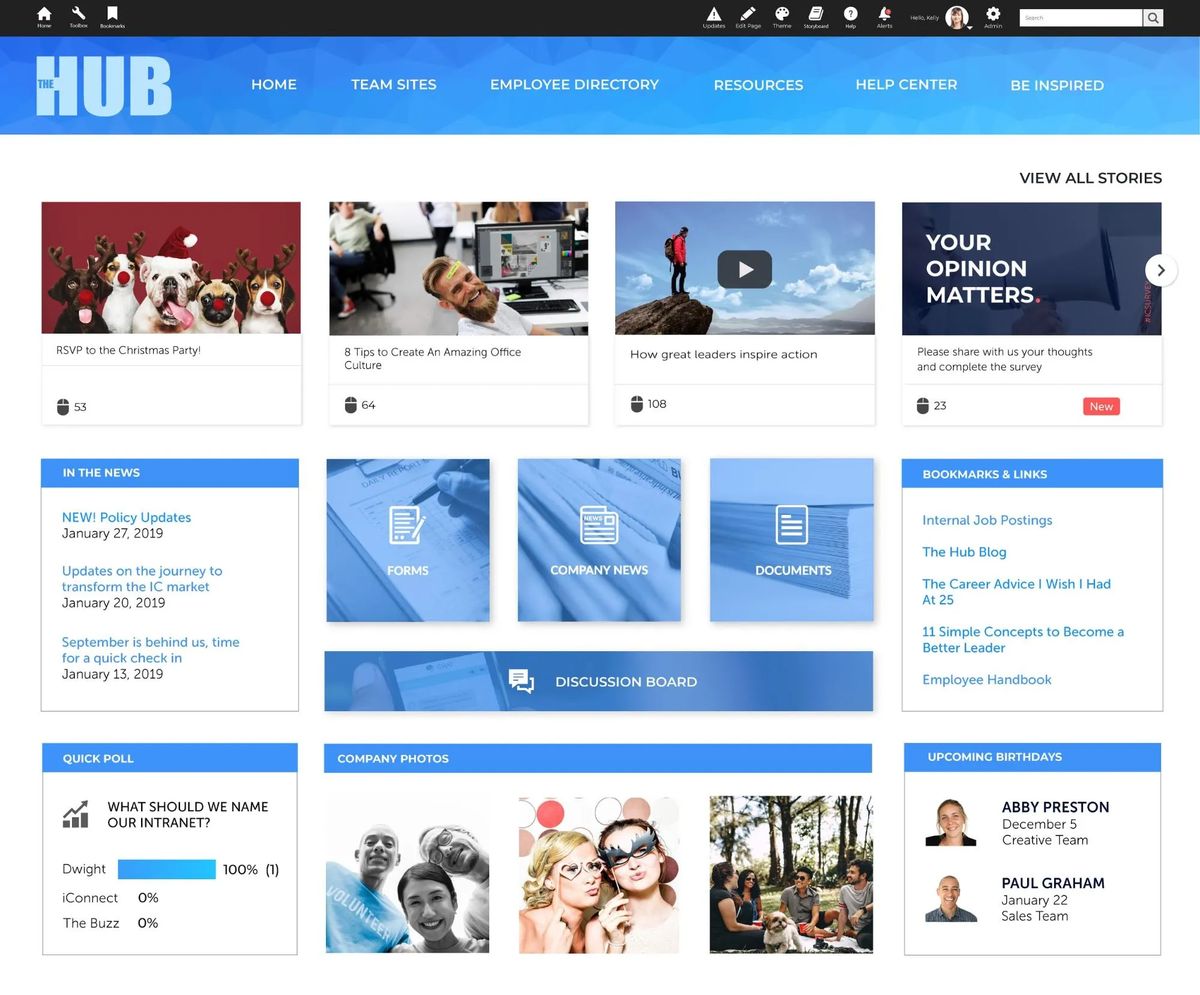
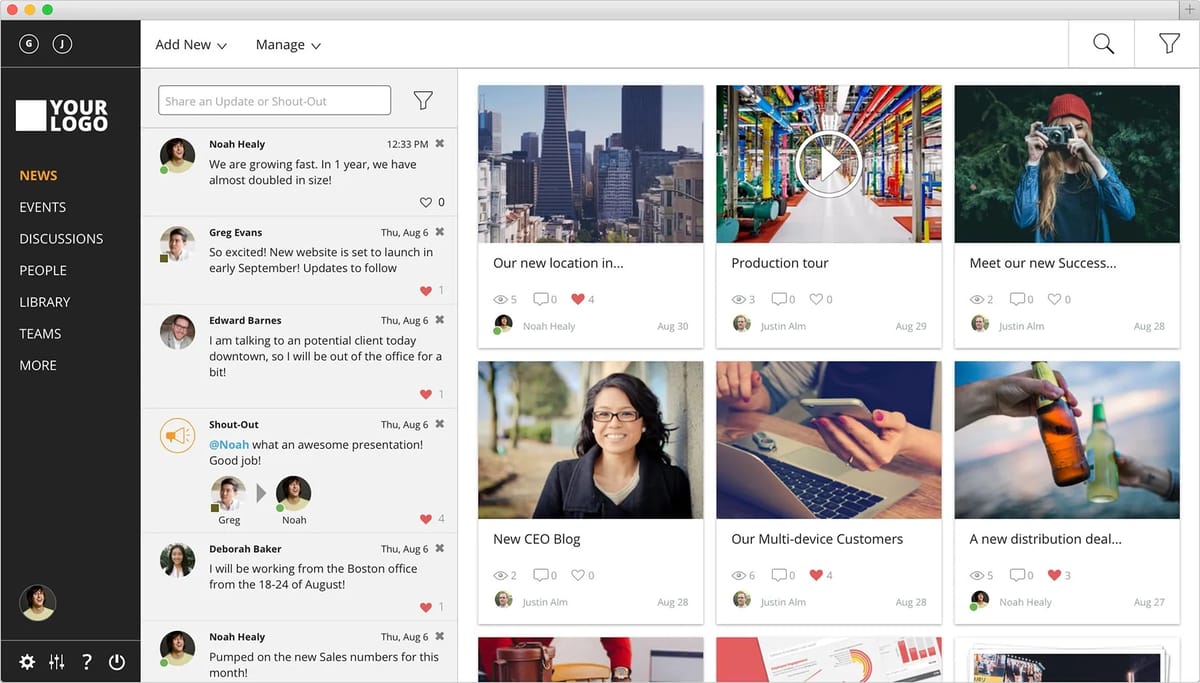
Jostle is an intranet that promises to “create order out of chaos.” Employees share and follow company news, store files, and use a visual employee directory and a searchable document library. Add-ons include task management, org charts, instant messaging and video calls, and a marketplace where employees exchange goods and swap shifts.
11. G Suite
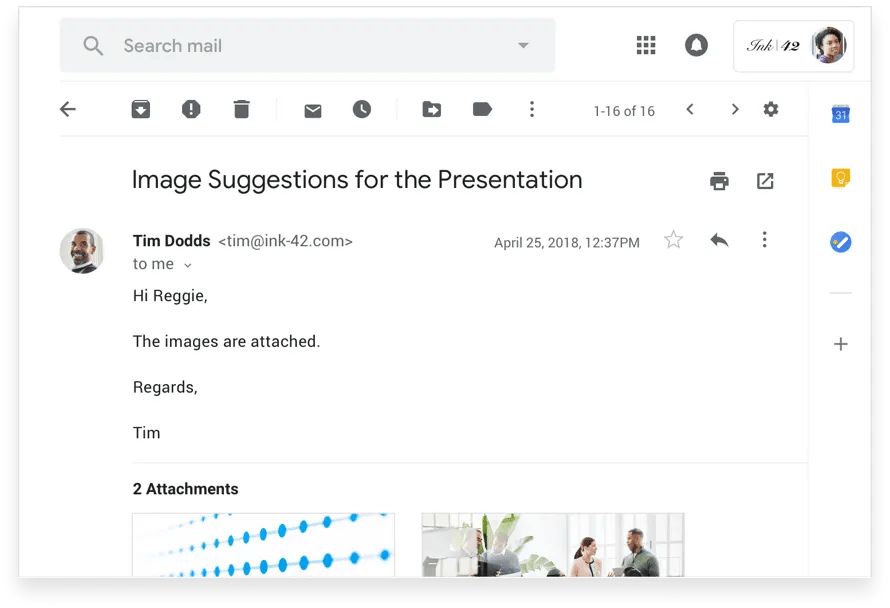
For cloud-based document collaboration and sharing, Google offered G Suite, the name in use when this list was written. It bundled Gmail, Docs, Drive, Calendar, Meet and other products, covering spreadsheets, file storage and communication for teams in different places.
12. Redbooth
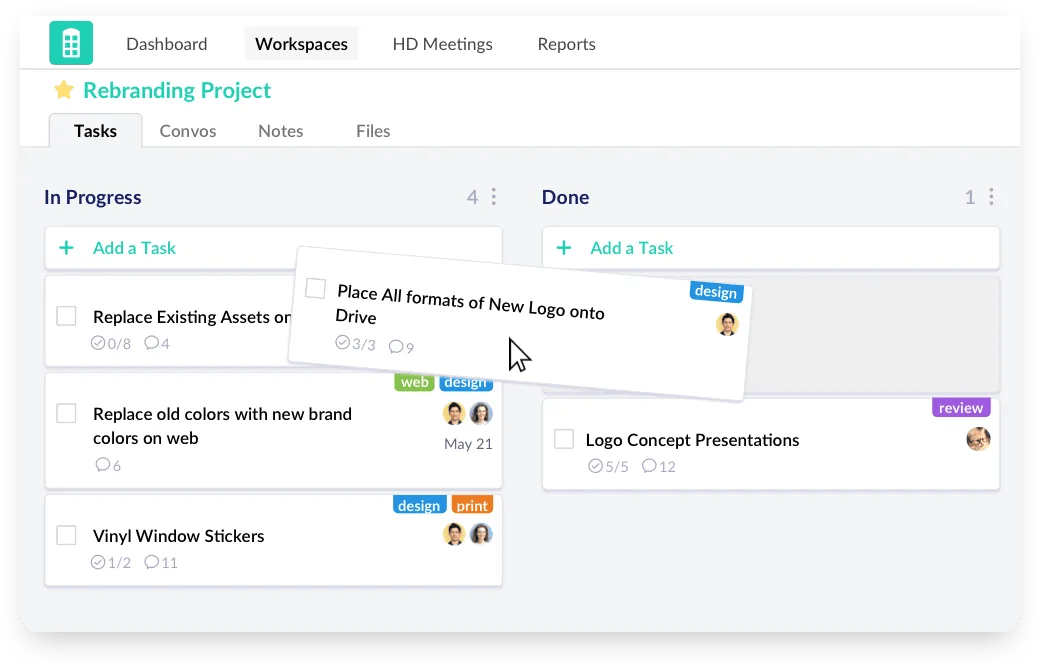
If you wanted SharePoint mainly for project management, Redbooth may be enough. It tracks tasks as lists, boards or timelines. You can add and sort tasks by assignee, tag and due date.
13. Slack
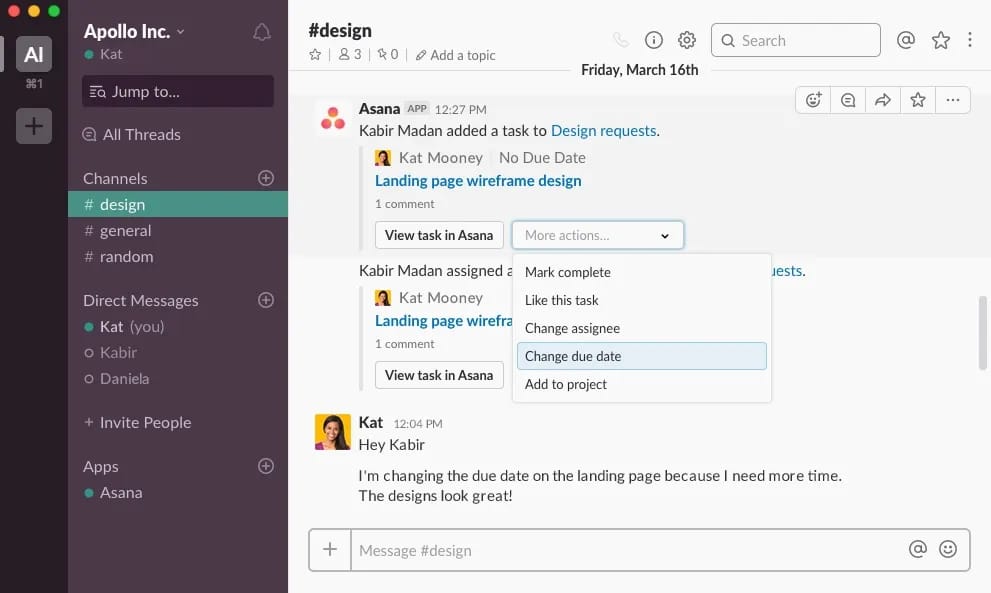
If communication matters most, try Slack. It is mainly an instant messaging platform, but channels keep conversations organized, and you can make voice and video calls and share files. Integrations let you connect the other apps your team uses.
Choosing for your use case
SharePoint can work well, but another tool may fit your needs better, so compare before you commit. If you use SharePoint for strategy planning, its complexity can make planning slower than it needs to be. Reporting often means tracking down key data and the people responsible for updating it. ClearPoint keeps strategy and project data, and the people who update it, in one place; see how it supports strategic planning.
Common questions
What are the benefits of using ClearPoint Strategy over SharePoint?
The benefits of using ClearPoint Strategy over SharePoint include:
- Strategic Focus: ClearPoint Strategy is specifically designed for strategic focus through strategic planning and performance management, offering tools tailored for setting goals, tracking KPIs, and managing projects.
- User-Friendly Interface: ClearPoint provides an intuitive, easy-to-use interface specifically designed for strategic management, whereas SharePoint can be more complex and general-purpose.
- Integrated Reporting: ClearPoint offers automated reporting and customizable dashboards to streamline performance tracking and strategic reporting, features that require additional setup in SharePoint.
- Alignment and Visibility: ClearPoint ensures alignment of goals, projects, and KPIs across the organization, providing a clear line of sight from strategy to execution.
- Support and Training: ClearPoint provides dedicated support and training for strategic management functions, which might be more generalized in SharePoint.
What are the challenges of using ClearPoint Strategy?
The challenges of using ClearPoint Strategy include:
- Learning Curve: Users may need time to become familiar with the specific features and functionalities tailored to strategic planning and performance management.
- Cost: ClearPoint Strategy may be more expensive than some other general-purpose tools, depending on the size and needs of the organization.
- Customization Limits: While ClearPoint is highly specialized, organizations with unique or highly specific needs might find limitations in customization compared to more general platforms like SharePoint.
- Integration Needs: Integrating ClearPoint with existing systems and tools can require additional effort, especially if an organization uses a wide variety of software solutions.
What types of organizations or industries is ClearPoint Strategy best suited for?
ClearPoint Strategy is best suited for:
- Nonprofits: Organizations focusing on impact and outcomes can benefit from ClearPoint’s strategic alignment and performance tracking.
- Government Agencies: Agencies that need to manage and report on strategic initiatives and KPIs find ClearPoint particularly useful.
- Healthcare Providers: Hospitals and healthcare organizations use ClearPoint to manage performance metrics and strategic initiatives to improve patient care.
- Educational Institutions: Schools and universities use ClearPoint for strategic planning and performance measurement.
- Corporations: Large and medium-sized businesses in various industries use ClearPoint to align strategic goals with operational activities and track performance.
How does ClearPoint Strategy handle version control and collaboration on documents?
ClearPoint Strategy handles version control and collaboration by:
- Document Management: Providing a centralized location for storing and managing strategic documents with version control to track changes.
- Collaboration Tools: Enabling team collaboration through shared access, comments, and real-time updates on strategic plans and performance reports.
- Access Permissions: Offering customizable access permissions to ensure the right team members have the appropriate levels of access to documents and data.
- Audit Trails: Maintaining audit trails to track changes and updates made by different users.