See how strategy managers can use AI to make smarter decisions, and how ClearPoint brings these prompts to life.
- Ask AI to compare each objective with industry benchmarks during reporting. Follow up by asking which strategic risks grow if the gap stays open.
- Have AI summarize the scorecard for a board audience. Then ask for one key insight from each perspective to keep the story balanced.
- Ask AI which assumptions your strategy rests on. Pair each with an indicator to watch so you see early when one shifts.
- Rank AI-suggested action items against your top priorities. Ask it to flag items that conflict with or duplicate existing work.
- Turn an underperforming measure into a root-cause question. Run it with ClearPoint's Strategy Assistants and frame one bold move for leadership.
If you manage a strategic plan for a city, company, or institution, you’ve probably been buried in spreadsheets and updates, spending more time collecting data than using it. That’s where AI can (and should) step in.
As a product manager working at the intersection of strategy and technology, I’ve seen the right AI prompt change how teams plan, analyze, and execute their strategy. The goal isn’t to replace your expertise. It’s to get you to insights faster, start better conversations, and give you back time for the work that matters.
Here are five of my favorite AI prompts for strategy managers. No coding required.
1. Benchmark Your Performance Against the Industry

Prompt: Compare this objective’s performance to typical benchmarks in our industry. Where are we leading or lagging?
This prompt works well with AI analysis and recommendations at the element or scorecard level. Use it during reporting cycles, when you're updating analysis fields and want context beyond internal trends. Asking the AI how your organization compares with industry norms surfaces strategic gaps and competitive risks you might otherwise miss.
💡 Pro Tip: Follow up with, “What are the top 3 strategic risks if we don’t address this gap?” to inform executive-level reporting.
Benchmarking with AI helps your team decide better and prioritize actions based on your position in the market or sector.
2. Turn Scorecard Data into a Clear Story
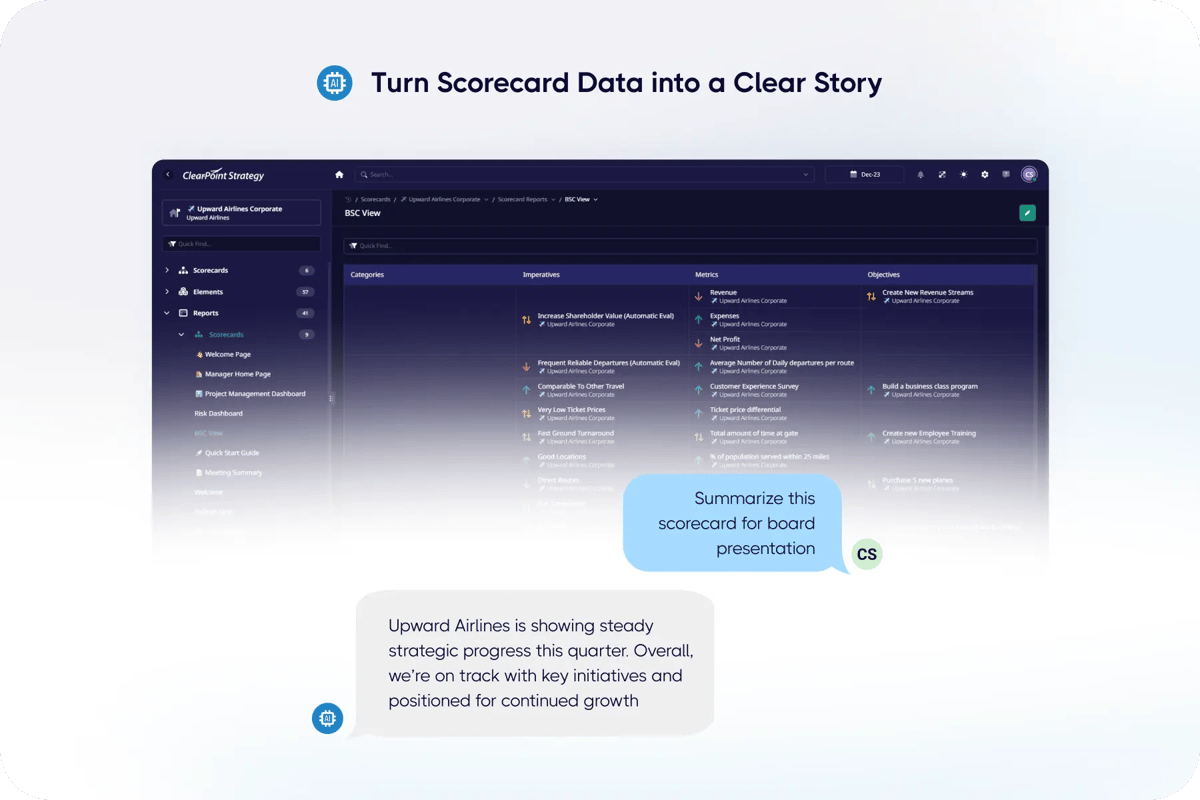
Prompt: Summarize this scorecard’s performance in a way that’s appropriate for a board presentation.
At the scorecard level, one of the most useful things AI does is write a quick summary. This prompt takes it a step further: it builds a strategic narrative for that review meeting or board presentation you’ve been stressing about. Use it when you need a short overview of your entire strategy. It cuts through dozens of objectives, measures, and initiatives to give you a clear story for executives.
💡 Pro Tip: Follow up with, “Include one key insight from each perspective,” to ensure balanced reporting.
It also focuses leadership on the insights that matter most, so decision-makers can act quickly and confidently.
3. Pressure-Test Your Strategic Plan
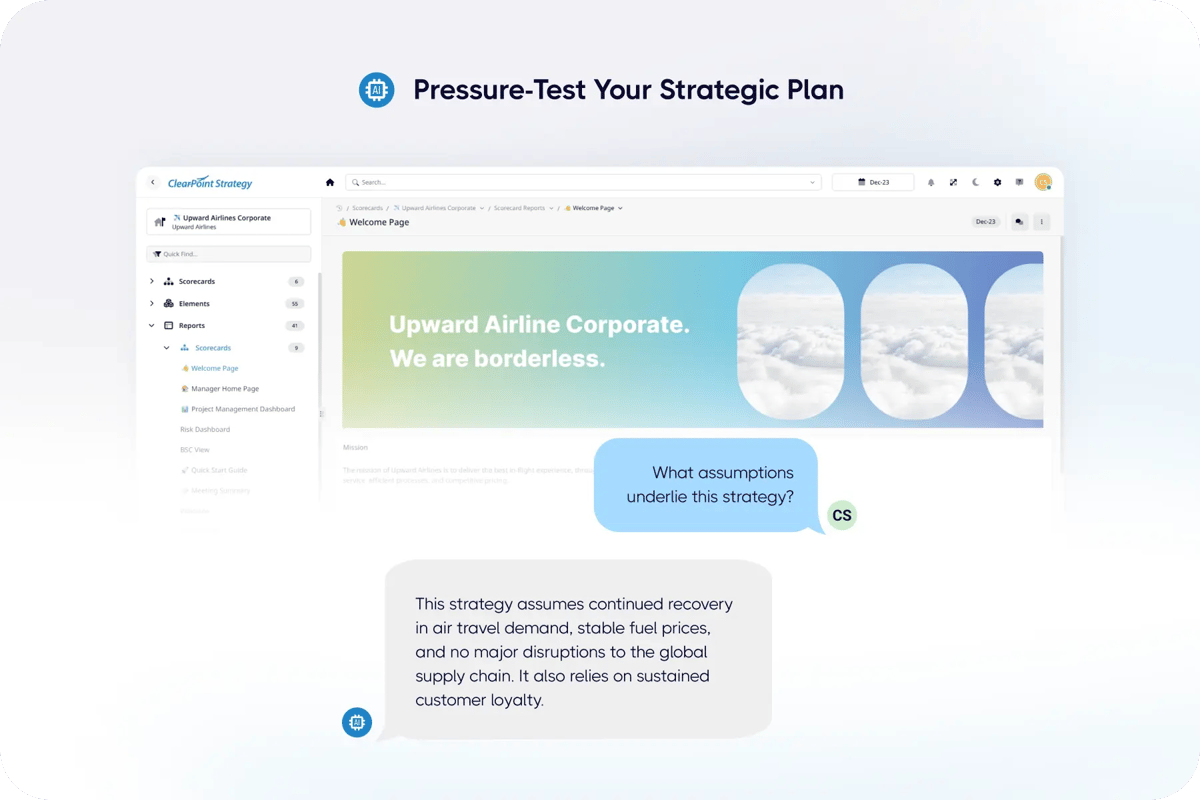
Prompt: What assumptions underlie this strategy, and what indicators should we monitor to know if those assumptions change?
When building a new strategic plan or scorecard, it’s easy to focus on goals and initiatives without questioning the assumptions they’re built on. This prompt makes you step back and examine the foundation of your strategy, including the “what-ifs” that could make or break your success. AI can help you identify those underlying assumptions and suggest key indicators to track, so you’ll know early if something starts to shift.
💡 Pro Tip: Follow up with, “What’s a sign we need to pivot our approach?” to uncover early warning signals and build in flexibility from the start.
Once you know the risks and the signals for change, your strategy stops being a static plan. It can adapt as conditions change.
4. Connect Action Items to Strategic Goals
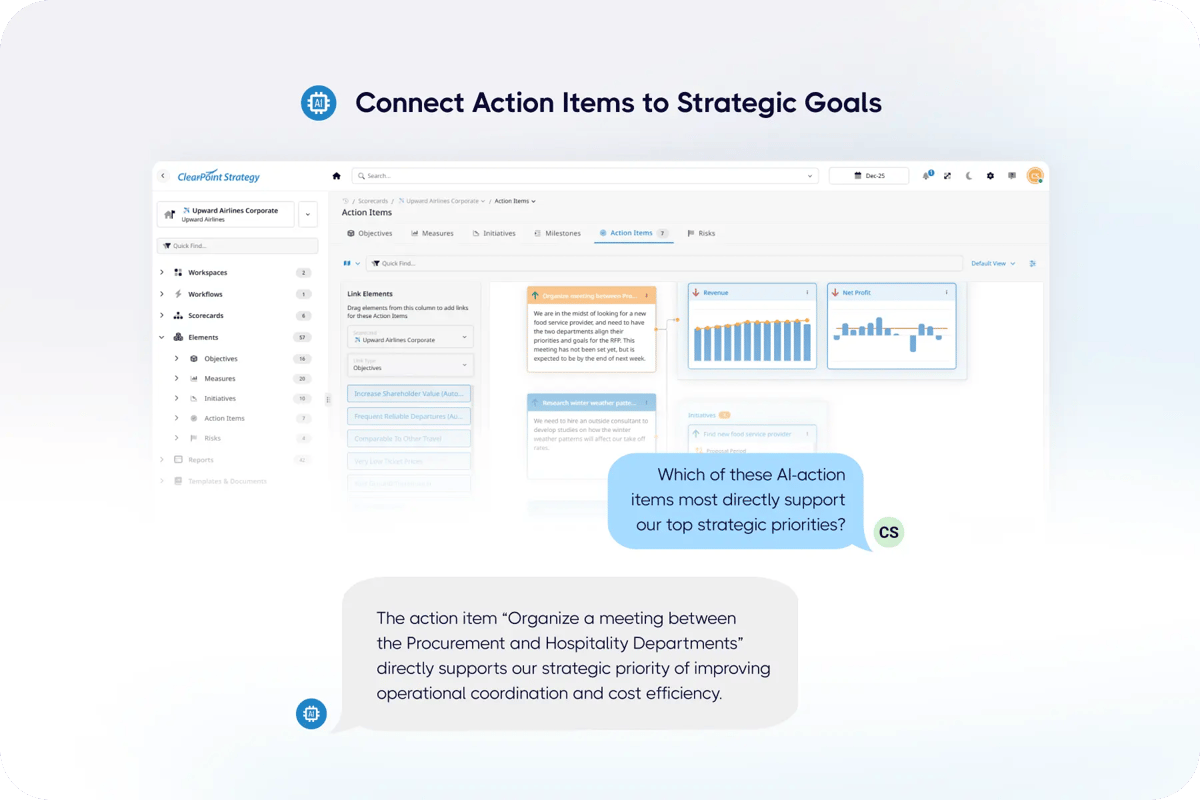
Prompt: Which of these AI-recommended action items most directly support our top strategic priorities, and how should we sequence them to maximize impact?
After using AI to generate action items, the next step is making sure those tasks actually support your bigger-picture goals. This prompt moves you past execution for its own sake and toward what drives strategic outcomes. It’s most useful when you have a long list of next steps and need to know where to start.
💡 Pro Tip: Follow up with, “Can you flag any action items that may conflict with or duplicate existing efforts?” to avoid duplicated work.
This prompt points your team’s energy at your top priorities, so less effort is wasted.
5. Turn Underperformance into a Strategic Opportunity
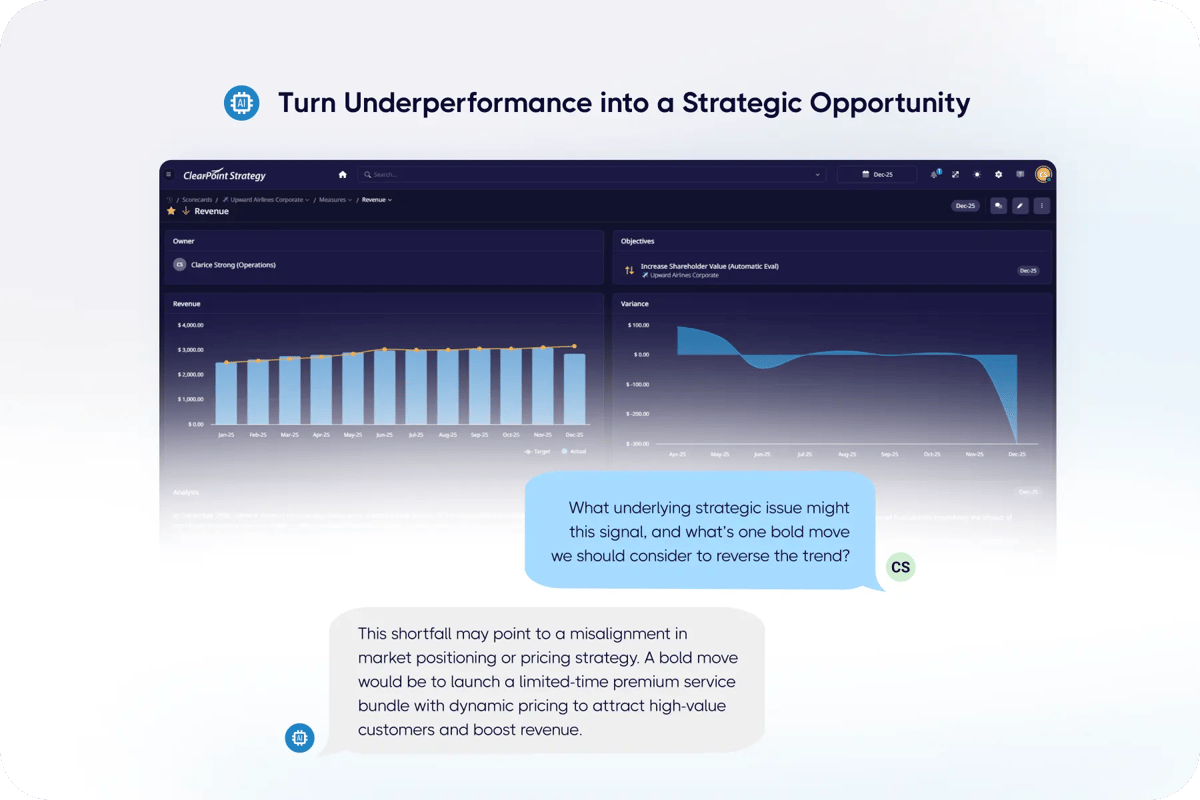
Prompt: This measure is underperforming—what underlying strategic issue might this signal, and what’s one bold move we should consider to reverse the trend?
When a key metric is trending in the wrong direction, it’s tempting to jump to surface-level fixes. With the right prompt, AI can help you look deeper. This one pushes past the symptoms to likely root causes, including broader strategic issues behind the decline. It raises the level of the conversation and points to chances for real change.
💡 Pro Tip: Follow up with, “Frame the bold move as a strategic recommendation for our leadership team,” to turn insight into action and drive executive engagement.
Treating underperformance as a chance to rethink your approach moves you from reactive to proactive. It helps most when an initiative has stalled or your team needs new energy for a hard problem.
What Types of AI Are Available in ClearPoint?
Strategy Assistants: Located under the "Assistants" tab, these AI bots build entire scorecards, with objectives, measures, and initiatives, from a single prompt. Whether you're starting from scratch or building a new department-level plan, Strategy Assistants build it in seconds.
They also act as your built-in strategy consultant. You can prompt the Assistant to perform common strategic frameworks like SWOT analysis, PESTLE analysis, or Porter’s Five Forces, which give you structure and outside context for your planning. It’s like having an extra strategist on your team.
AI Analysis & Recommendations: Available at the element and scorecard level, these bots analyze your data and generate text for your analysis and recommendations fields. You can also:
- Copy-edit your own writing for tone or grammar
- Ask follow-up questions via “Ask Me Anything”
- Generate exception reports for underperforming objectives (scorecard-level)
AI Action Items: After generating recommendations, you can turn them into action items with owners, due dates, and next steps. Insights lead to follow-through instead of sitting in a report.
AI Milestones: Available for initiatives, AI can generate suggested milestones based on the name and description of your initiative. That saves time and keeps your plan actionable.
AI Calculations: ClearPoint’s AI can help you create and troubleshoot calculations based on your element data. Whether you’re working with performance metrics, KPIs, or composite indices, AI can suggest formulas, find issues, and help standardize calculations across departments. It can also recommend chart types (like line, bar, or gauge) to visualize your data clearly and highlight trends or outliers. You spend less time in spreadsheets and more time explaining what the data says.
AI Executive Summaries: Built for reporting cycles and board prep, this feature writes high-level summaries of your strategy with key insights from scorecards, objectives, and measures. Use it for a slide deck narrative or a quick leadership update.
AI is one of my favorite features in ClearPoint. See the other 11 in my top 12
Ready to Get More Out of AI?
These prompts are just the beginning. Whether you’re building your first strategy, reporting to leadership, or trying to get teams more aligned, ClearPoint’s AI is built to take work off your plate. Try one of these prompts in your next reporting cycle.
Common questions