Detailed project tools track every task but often hide the big picture. Here is why projects go wrong and how a portfolio view helps managers decide.
- Define clear goals before a project starts. Without them, teams drift and efforts become misaligned.
- Use Microsoft Project for complex, dependency-heavy work. Its scheduling and dependency mapping suit construction-scale projects; smaller agile teams find it rigid and hard to learn.
- Expect Asana to fragment the view as projects multiply. Its task-level data can hide the portfolio health senior managers need.
- Roll project data up into one portfolio dashboard of milestones, KPIs and risks. Leaders see which projects need resources without wading through task lists.
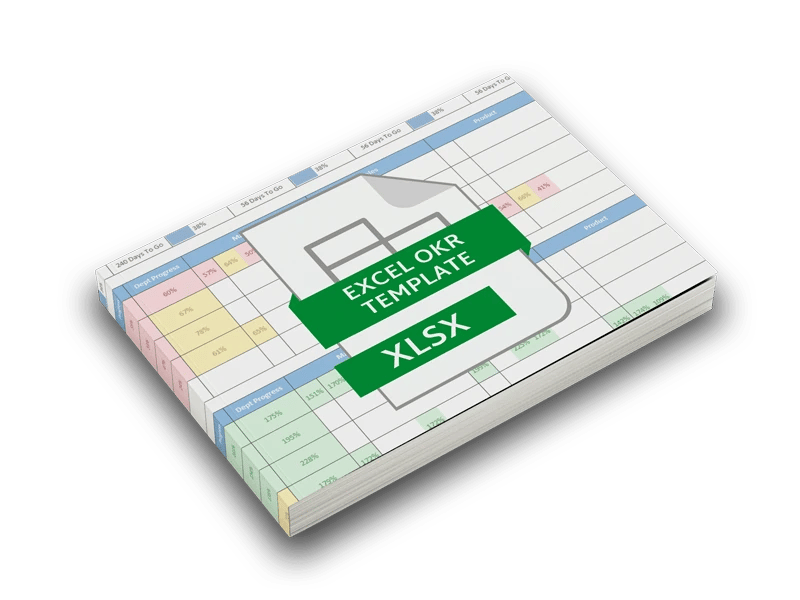
- Start a portfolio view with the free Annual Project Tracker, then report milestone status across projects instead of every task.
Poor project execution costs organizations money, time and morale. Projects that miss their dates or budgets waste capital, frustrate stakeholders and set back strategic goals. Part of the problem is the tools meant to help: many bury managers in task detail when what they need is a clear view of the whole portfolio.
This post looks at why projects go wrong, where common tools like Microsoft Project and Asana help and where they fall short, and how ClearPoint Strategy approaches managing projects at the portfolio level.
Why projects go wrong
There is no single cause, but the same problems show up again and again. Teams without well-defined goals drift, and their efforts stop lining up. Information gets lost between people, which leads to delays and rework. Processes and tools get so complex that they slow teams down, and weak planning leaves resources away from the work that needs them most.
The systems meant to support project management often add to this. Instead of simplifying the work, they load managers with detail and pull attention away from decisions. That is the gap project management software was supposed to close.
Where common tools help and where they fall short
Project management tools offer detailed tracking and accountability. They can also create information overload and rigid workflows. Microsoft Project and Asana show both sides.
Microsoft Project
Microsoft Project is built for complex, multi-layered work, such as construction, where every task and dependency matters. Its scheduling, resource allocation and dependency mapping suit projects with many moving parts. For smaller projects or agile teams, it is harder to use. The learning curve is steep, the structure is rigid, and people who only want a high-level view of progress have to work through every task to get it.
Asana
Asana is known for being simple and easy to use, which has made it popular with startups and mid-sized companies. It helps teams manage day-to-day tasks without much overhead. As teams grow and projects multiply, that task-level focus becomes a weakness. The view of overall project health fragments, and the volume of task data can hide what senior managers need to see.
Neither tool gives leaders a balanced view of detailed execution and strategic oversight. Managers want a clear, single view of progress against long-term goals, without getting lost in the weeds.
How ClearPoint approaches project management
ClearPoint does not try to copy every feature of a scheduling or task tool. It focuses on strategic project portfolio management. It brings together milestone status, key performance indicators (KPIs) and risk information and shows them in dashboards. Managers can then make decisions quickly without sorting through details that do not matter.
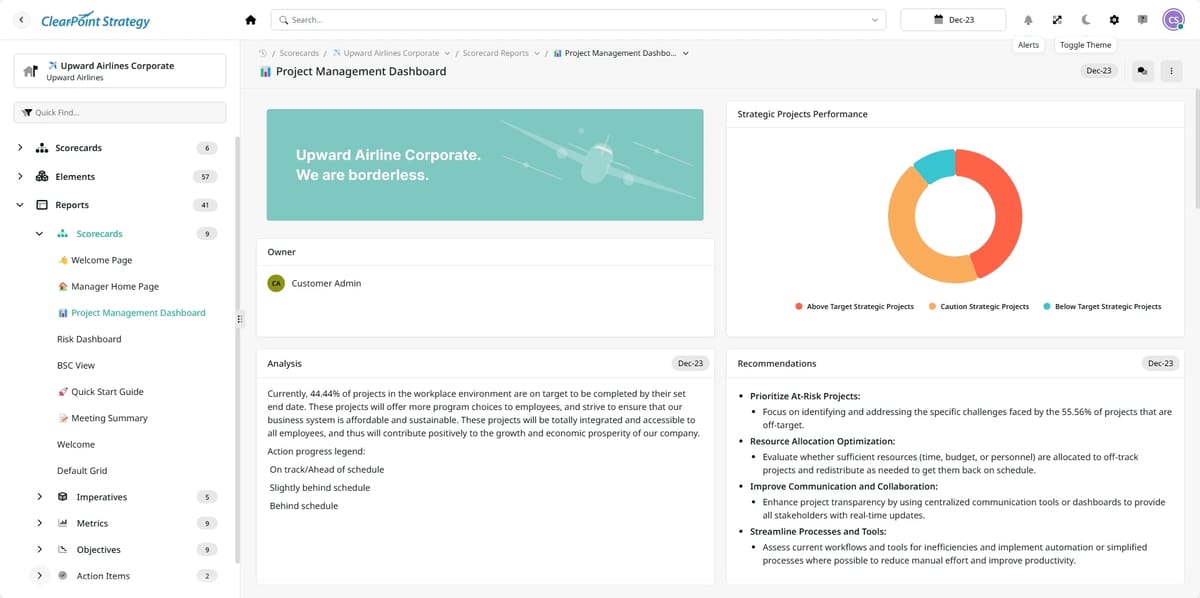
The idea is that management is about context, not every minute of every task. Details still matter, but ClearPoint rolls them up into a summary of portfolio health. Leaders use that view to see which projects are on track, where bottlenecks are forming and which initiatives support their strategic priorities. Key milestones, risk indicators and performance results come first, so managers can spot problems before they turn into costly missteps.
Many tools that work for a small team break down as an organization grows. ClearPoint is designed to scale and does not force one model on every organization. Its modular design lets customers configure it for detailed, compliance-driven projects or for faster, innovation-focused initiatives.
Example scenarios
The scenarios below are illustrations of how the approach works, not named customer stories.
A construction company with many complex projects
A large construction company might run dozens of complex projects in Microsoft Project, which stays the right tool for tracking every dependency. When senior management needs to judge overall performance and strategic alignment, that level of detail gets in the way. ClearPoint rolls it up into a portfolio dashboard that shows key milestones, likely bottlenecks and overall project health. Leaders can see which projects need more resources and which are running smoothly. A simple way to start a view like this is the free Annual Project Tracker.
A startup that is growing fast
A startup might begin with Asana because it is simple. As the company grows, the number of tasks and projects climbs, and the task-level view starts to hide the organization's priorities. With ClearPoint, leadership keeps a clear view of the project portfolio by surfacing the metrics that matter. Managers can move resources and respond to change while keeping strategic goals in front of them.
A multinational with scattered project data
Large organizations often have project data spread across departments and tools. Some teams use detailed scheduling software and others use lightweight task trackers, so reporting is inconsistent. ClearPoint pulls project data from several tools into one dashboard. Frontline managers and executives then work from the same information. For more on simplifying reports, see “Spring Cleaning” Your Reporting.
See how ClearPoint tracks your projects and initiatives — book a demo
The people side of project management
A project tool only helps if it supports the people leading the work. Managers are not data-entry clerks; they need to see the broader picture, and ClearPoint was designed with this in mind. When managers have the right context, they can talk with their teams more clearly, line up resources with goals and build accountability.
ClearPoint is also built to help managers communicate about their initiatives. Its summaries are meant to be shared with everyone from team members to board members, used for regular updates, and used to start conversations about strategy.
Visualization and AI
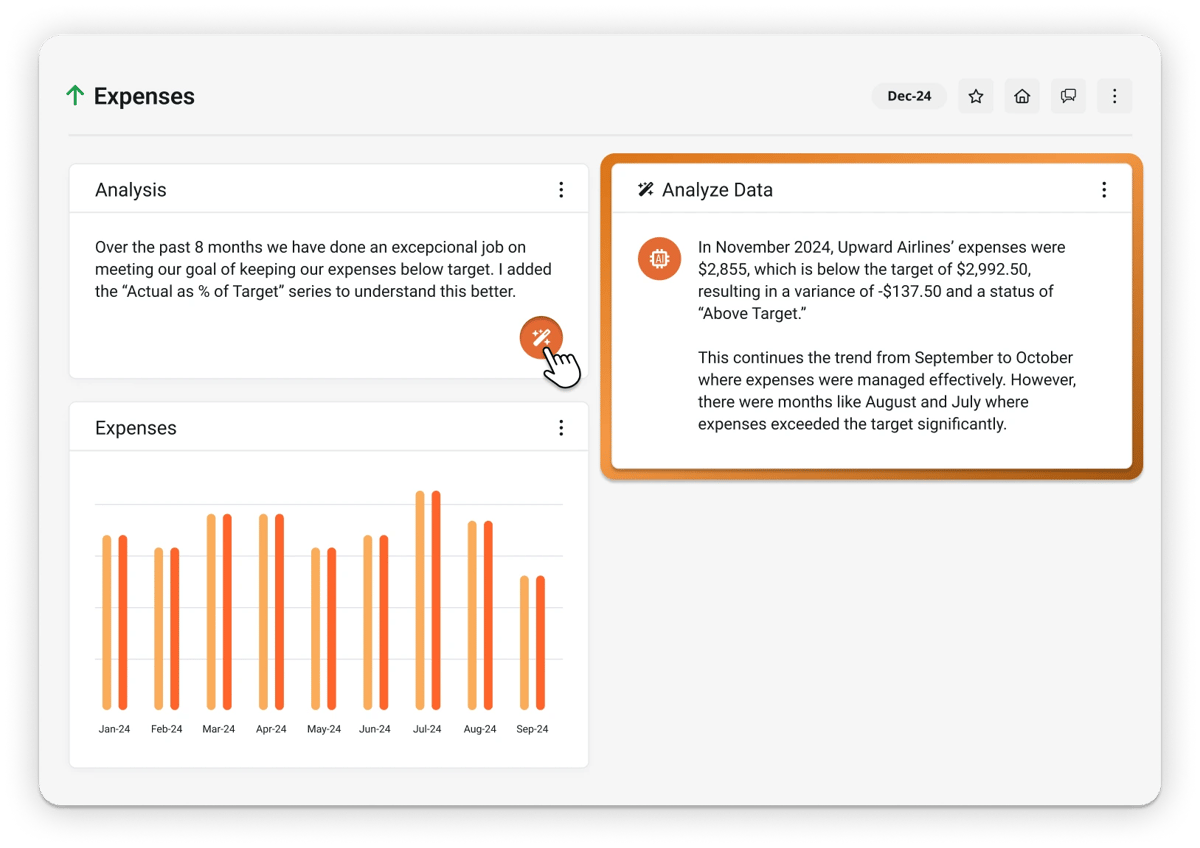
ClearPoint keeps working on its dashboards and visualizations so that trends and outliers are easy to spot. It improves the product based on feedback from its users, and its AI features are part of that work. You can read more in this post on ClearPoint's AI.
Common questions
Why do so many projects fail?
There is no single cause, but common threads run through most failed projects: no clear vision, so teams drift and efforts become misaligned, and a lack of communication, so essential information gets lost. Poor execution then drains resources, stalls innovation, and hampers competitive advantage, often well before anyone formally calls the project a failure.
How does Microsoft Project compare to Asana?
Microsoft Project is built for power and detail, excelling at complex, multi-faceted projects in industries like construction where every task is critical. Asana is known for simplicity and ease of use, favored by startups and mid-sized teams managing day-to-day work. Each suits a different need, and many organizations outgrow one as their projects change.
What gap do traditional project management tools leave?
Detailed tools and simple task trackers each solve part of the problem but leave a gap: managers need a balance between granular execution and strategic oversight. They are not asking for endless spreadsheets or task lists; they need to see how projects connect to strategy, which is the space a strategic, portfolio-level approach is designed to fill.
How is ClearPoint different from a traditional project management tool?
ClearPoint is not built to replicate every feature of traditional tools. Instead, it focuses single-mindedly on strategic project portfolio management, aggregating the most critical data such as milestone status and key performance information. Rather than making managers navigate endless task lists, it consolidates what matters so they can manage a diverse portfolio without losing the big picture.
Should ClearPoint replace tools like Microsoft Project or Asana?
Not necessarily. For tracking every nail and bolt of a complex build, a tool like Microsoft Project remains indispensable, and agile teams may rely on Asana for day-to-day simplicity. ClearPoint sits above that detail, giving leadership a high-level dashboard that ties project execution to strategy, complementing operational tools rather than replacing them.