Five collaboration features that improve teamwork, from workspaces and ClearPoint for Microsoft Teams to reporting workflows, briefing books and approvals.
- Give each user one workspace for mentions, notifications and assigned tasks. Overdue KPI updates and reports awaiting review surface without clicking around.
- Send strategy alerts and reminders into Microsoft Teams. People act on updates where they already work instead of switching platforms.
- Automate update requests and assign who provides input at each stage. Reports reach leadership accurate and complete without manual follow-ups.
- Route every strategic plan update through a configurable approval step. Several people editing the same plan without review gets messy fast.
- Send formatted pre-reads before each meeting using report exports. People arrive ready to discuss next steps instead of decoding spreadsheet data.
If there’s one thing I’ve learned from working with teams of all sizes, it’s that collaboration means working smarter, not only working together. Whether your team is coordinating initiatives, managing performance updates, or holding people accountable, the right software features can make all the difference.
We all know the frustration of sifting through endless emails, switching between tools, and wondering if the latest update is actually the latest update. At ClearPoint Strategy, we build tools that cut that friction. Here are five features I consider “must-haves” for better collaboration and aligned teams.
See the full list of my 12 favorite ClearPoint features
Workspaces
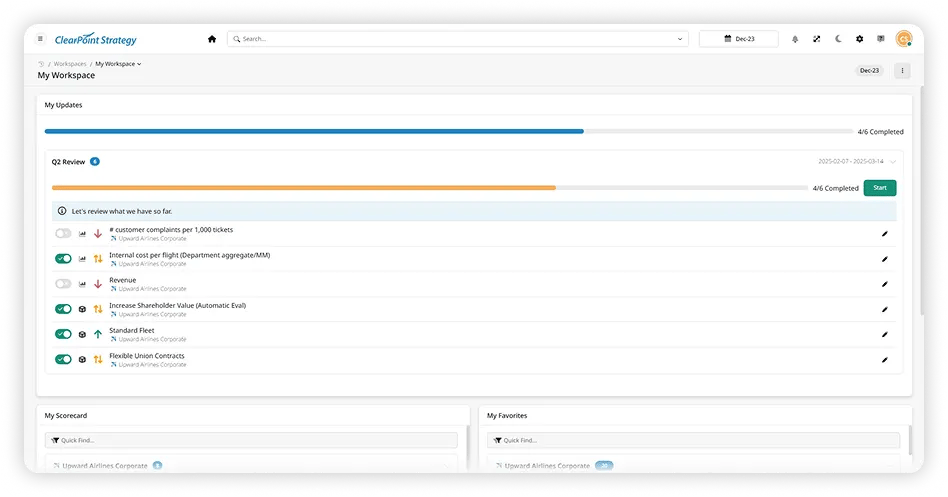
The Workspace collects your @mentions and discussions, update notifications, and assigned tasks on one page, so you never have to wonder what needs your attention.
Whether it’s an overdue KPI update, a report waiting for review, or a colleague tagging you for input, Workspaces shows your priorities at a glance. You don’t have to click around to find what matters. It’s all right there, organized and waiting for you.
ClearPoint for Microsoft Teams
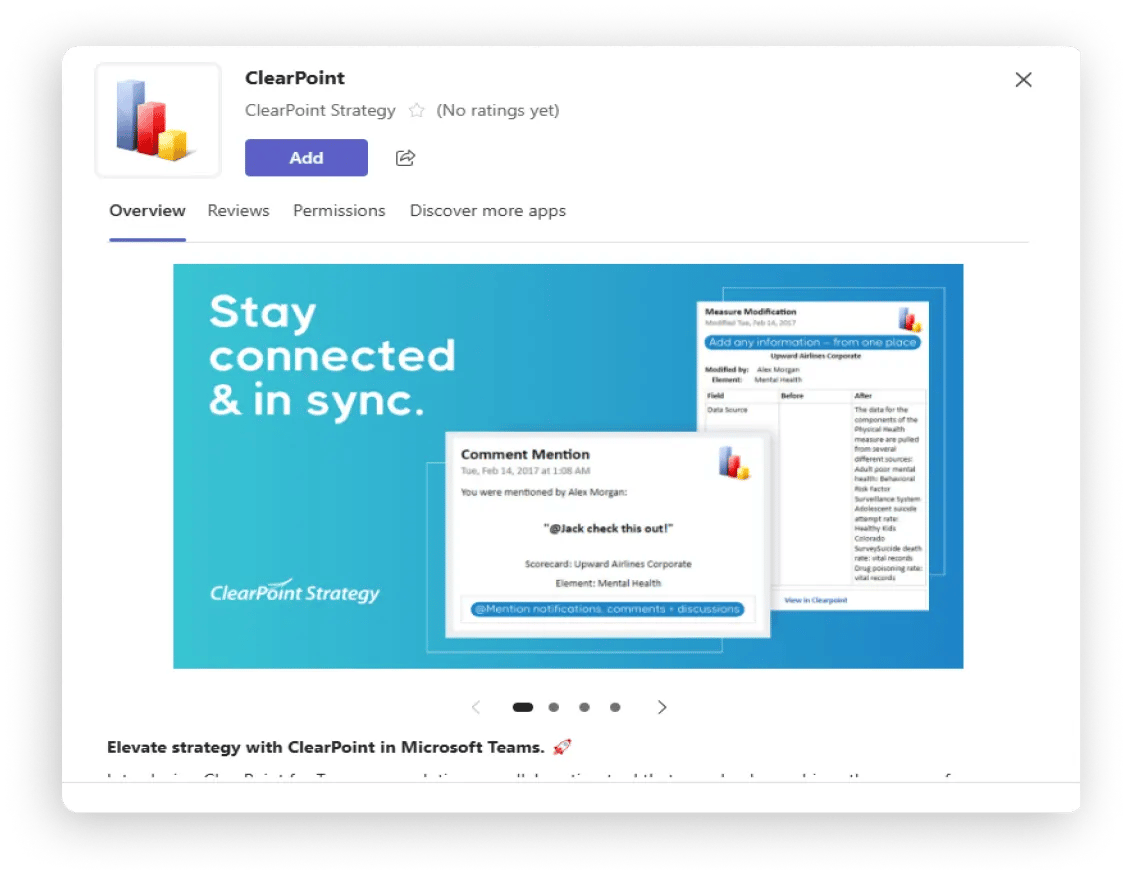
Strategy should live where you live. ClearPoint for Teams delivers real-time notifications, alerts, and reminders directly within Microsoft Teams. Instead of switching between platforms, users get strategy updates, see important changes, and take action from within Teams.
The integration keeps teams aligned and updates happening in real time.
Reporting Workflows
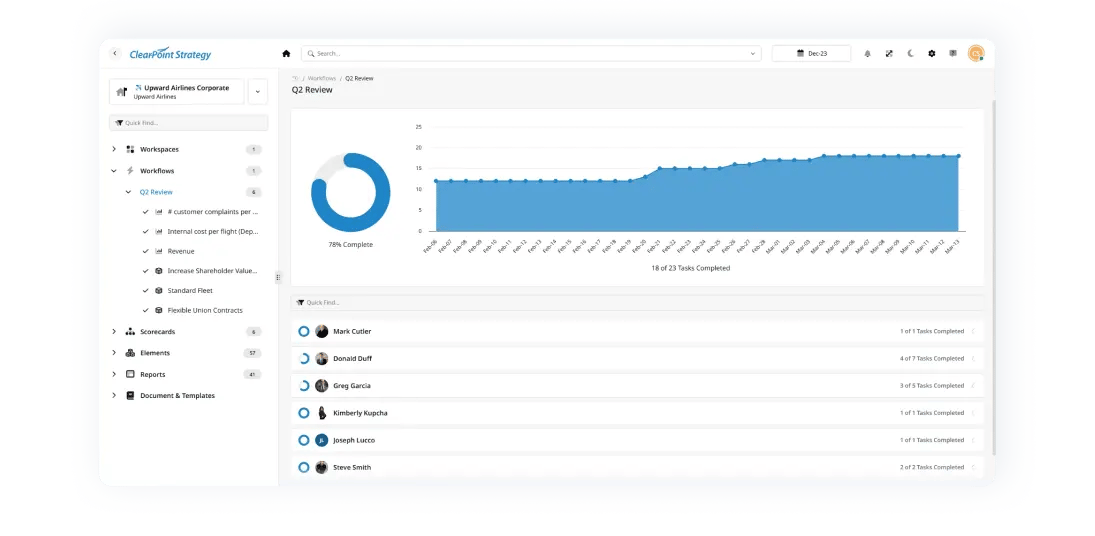
Chasing down updates can feel like a full-time job, especially on large teams. Reporting Workflows automate the data collection and review process, so updates arrive on time with the right level of oversight.
With automated update requests and reminders, teams stay on top of reporting deadlines without the need for manual follow-ups. Assigned responsibilities put the right people on each stage, and admins can add custom instructions to guide users through it. Discussions, comments, and @mentions let users tag teammates and ask for input in real time.
Status indicators show whether you're on target or below plan. Without constant check-ins, Reporting Workflows keep teams accountable and reports accurate and complete before they reach leadership.
The Winnebago County Public Health Department in Wisconsin showed what changes when updates and discussion live in one place. Each of its six divisions relied on its own methods, primarily Excel files, to track data. The data was well monitored within divisions, but there was no shared space to review it together, so nobody outside a division could ask what it might be missing. In ClearPoint, staff tagged colleagues in comments on strategic elements and reports. The department also named a Performance Management Champion in each division, so data updates didn’t fall on just a few people.
HTML Reports & Briefing Books
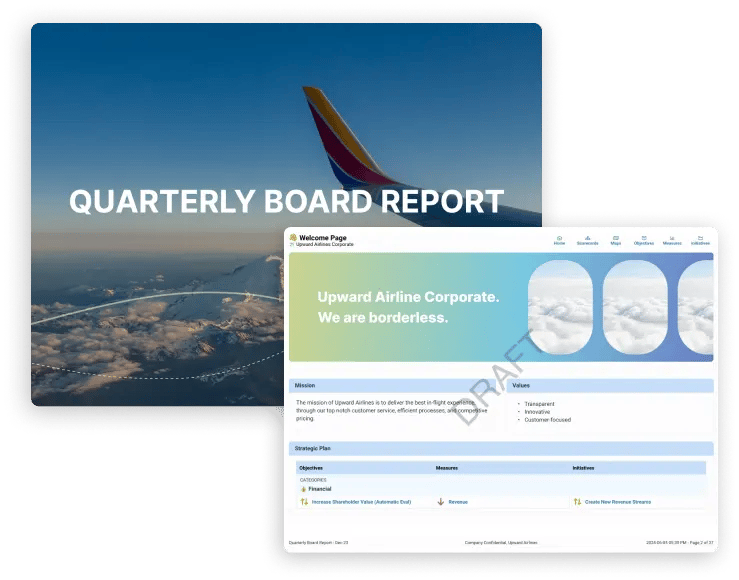
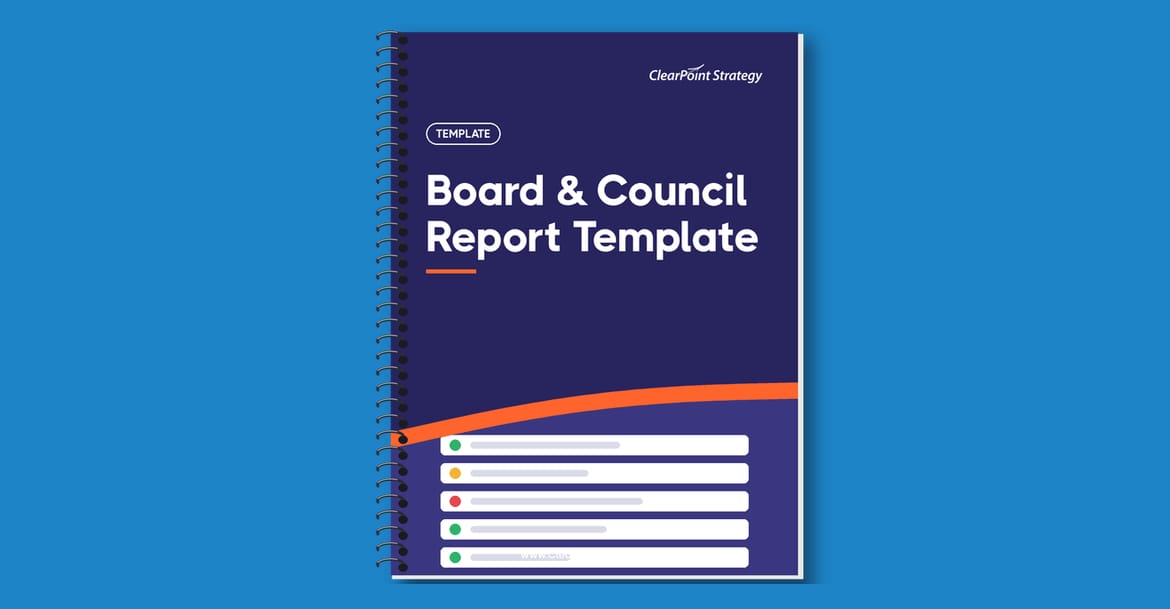
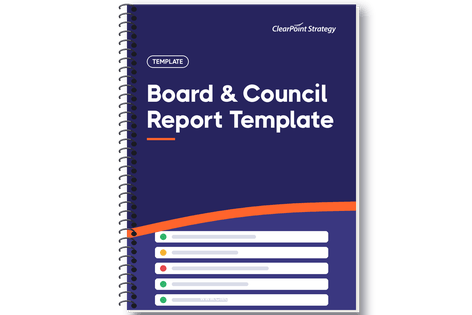
If you’ve ever had to manually compile a report, format it, and send it out only to realize someone updated the wrong spreadsheet two hours later, you know the pain of static reporting. ClearPoint’s HTML Reports & Briefing Books help solve that. They are interactive and easy to share, so your leadership team always sees the latest numbers.
These report exports let you send pre-reads ahead of meetings in a consistent, readable format. Everyone arrives ready to discuss next steps instead of spending the review decoding spreadsheets.
The City of Fort Collins, Colorado, builds its performance reviews around pre-reads. Two ClearPoint reports, one for metrics and one for initiatives, are sent out ahead of each review and used as the basis for the discussion. There is not enough time in the meeting to discuss every metric, so the reading happens first and the meeting can move to action plans for anything off track. Budget Director Lawrence Pollack reports that “standardization of the material is key, as far as having people be able to read and review all the content in these reports.”
Briefing books also scale to large audiences. Each month, the Choctaw Nation of Oklahoma generates 60-70 individualized reports in ClearPoint and sends them to specific leads within the tribe. Tags filter each briefing book, so every lead sees what brings value to them. Director of Strategy Brandie Holloway says even small touches, like a personalized cover, create a “very personal strategic reporting experience for our leadership.”
Approvals
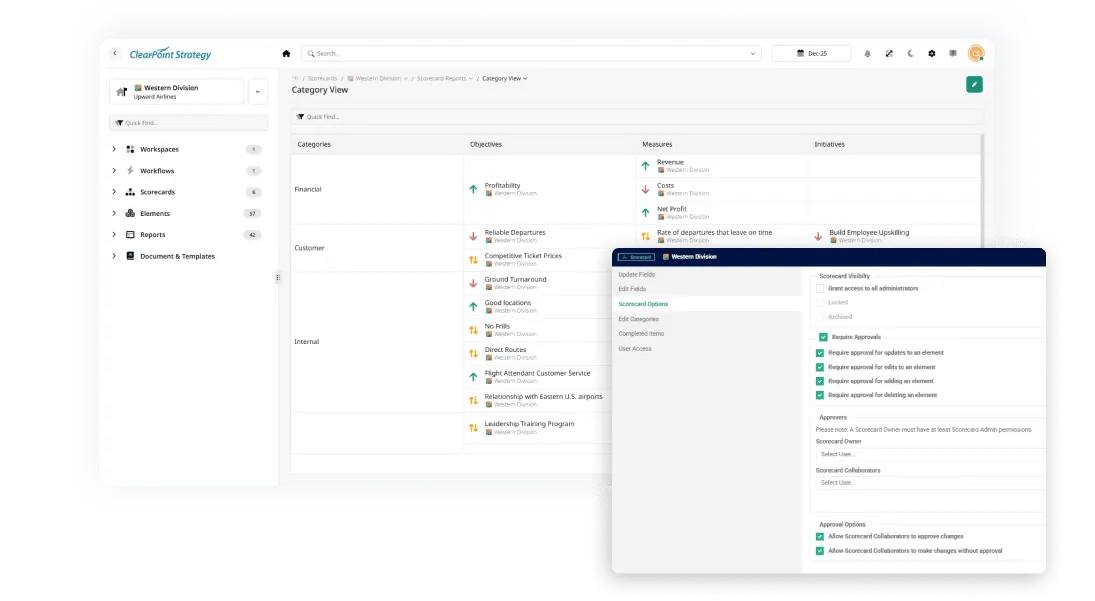
When several people update the same strategic plan without a clear approval process, things get messy fast. Our Approvals feature gives organizations control and oversight, so every update goes through a structured review. With configurable approval rules, pending approval indicators, and a dedicated My Approvals page, it’s easy to track what’s awaiting sign-off.
The result is better decisions, fewer mistakes, and confidence in your data.
The Future of Collaboration
With Workspaces, MS Teams, Reporting Workflows, Reports, and Approvals, your team can spend less time searching for information and more time making an impact.
Software is only half of it. In our post on where collaboration tools help and where they get in the way, we explain how we choose the channel at ClearPoint. Routine, operational tasks belong in digital tools, which bring speed, accuracy and consistency. Creative problem-solving, negotiation and sensitive discussions go to a phone call or a face-to-face meeting. The platform then records the decisions and action items from those conversations, so what people agree on gets carried out.
Common questions