Projects are where strategy happens. Control them with ClearPoint.
- Link every project to a strategic goal and measure. Projects that don't contribute to long-term goals waste resources.
- Track budgets, milestones and dependencies in real time. Gantt charts and custom fields expose bottlenecks while there is time to act.
- Roll projects up to the portfolio level. Executives can then judge whether projects advance strategy and whether resources go to the right places.
- Automate data updates instead of entering them by hand. Current data frees project managers for decisions over administration.
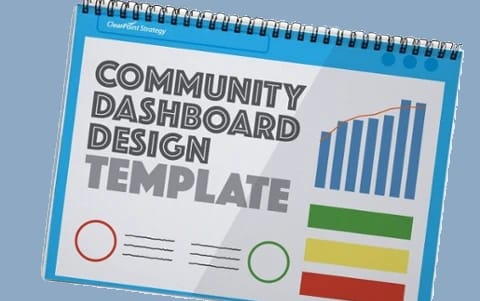
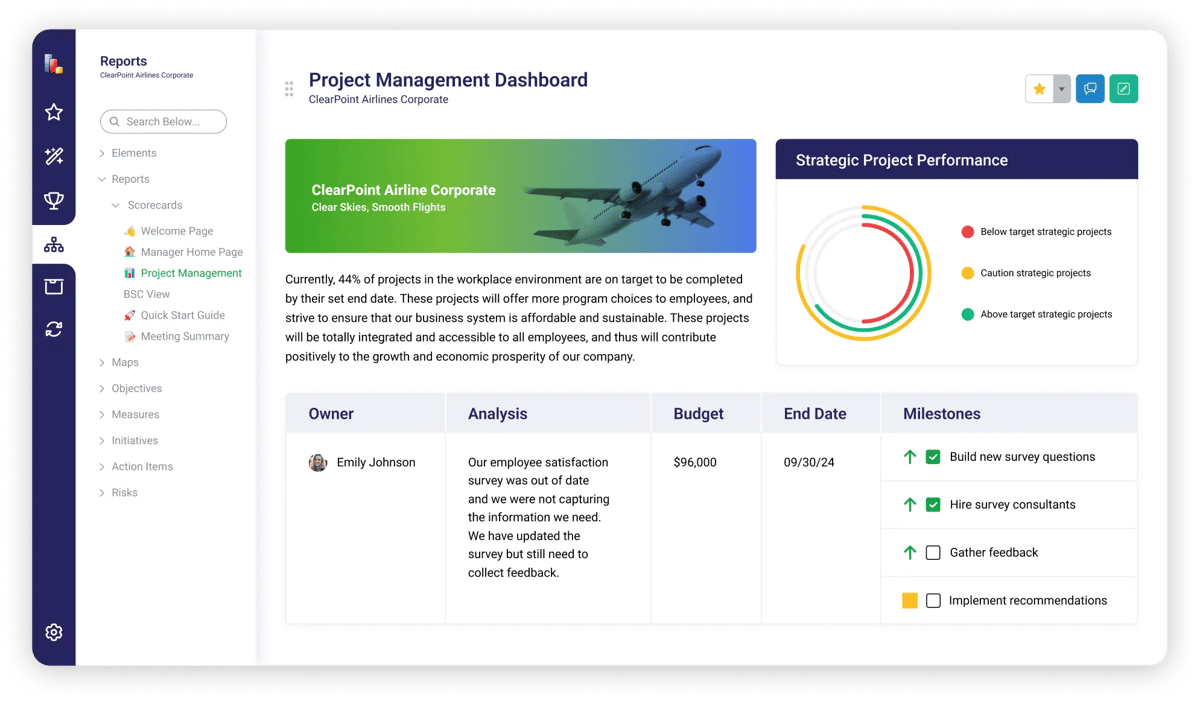
- Start from the project management dashboard template. Use it to check that project budget is delivering results.
Effective project management helps any organization reach its goals. It means coordinating tasks across departments, managing interdependencies, tracking budgets, and meeting milestones on time. When projects are not aligned with strategic goals, the work gets harder, and resources and opportunities are wasted. Without the right tools, project managers struggle to keep several projects aligned with objectives and on track, and they lose sight of the moving parts.
If that sounds familiar, ClearPoint Strategy's project management tools were designed for organizations like yours. They link projects to goals, manage dependencies, and generate progress reports.
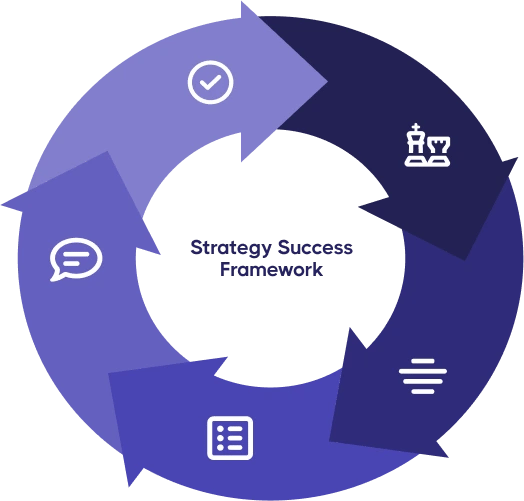
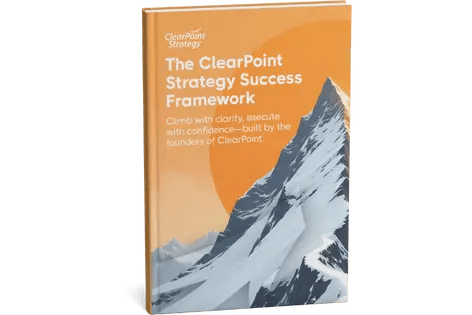
The ClearPoint platform was developed to mirror the five factors of strategic success. The ClearPoint Strategy Success Framework was developed from over 50 years of experience working with strategy. Below is a breakdown of how ClearPoint supports the third factor.
- Organize Strategy
- Align Organization
- Manage Projects (this post)
Project Management in ClearPoint
Project Organization
Within ClearPoint, projects can be linked to strategic goals and performance measures across departments. That way every project supports the organization’s strategy. ClearPoint helps organizations focus on initiatives that drive results and avoid projects that don’t contribute to long-term goals.
The Choctaw Nation of Oklahoma, with 12,000 associates across more than 10 counties, had hundreds of projects across departments and thousands across the tribe. Brandie Holloway, Director of Strategy, described the problem: “It’s so difficult to keep everybody aligned and focused when there are that many things happening across 10,000 [projects] at a time.” In 2019 the tribe formed a Strategic Development department and moved from separate departmental plans to one tribal plan built on five tribal strategies. With a central office of strategy, it could see which projects and resources overlapped, and it turned 10,000 projects into around 200.
AI Assistance
For new project managers, ClearPoint’s AI Assistants help set milestones, plan projects, and identify risks and dependencies. Planning gets simpler, and projects are set up for success from the start.
Read more about ClearPoint AI Assistants here.
Progress Tracking
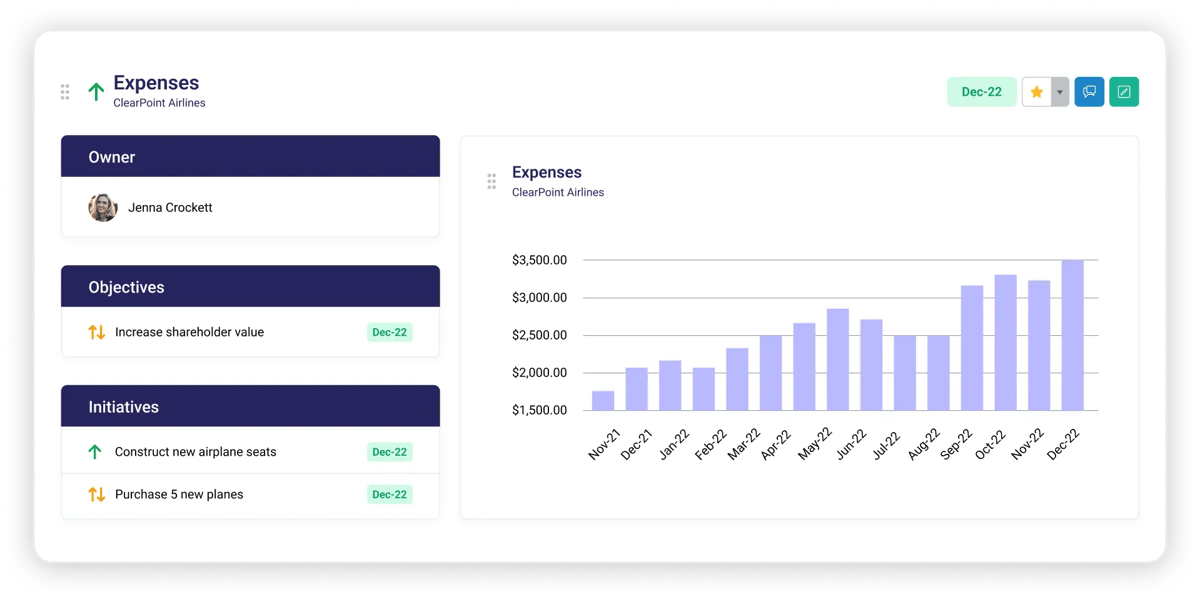
ClearPoint tracks project progress, budgets, errors, milestones, and more in real time. Gantt charts and custom fields show project timelines and dependencies. Project managers can monitor progress, spot bottlenecks, and make decisions based on data.
The City of Arvada, Colorado, uses these tools on a project that crosses city lines. As Jefferson County grows, all local 911 dispatch centers, including Arvada’s, are being consolidated into one regional center called JeffCom. The project involves Arvada staff, county staff and employees from other cities. Arvada Police track every phase in ClearPoint: they monitor milestones, view the project in a Gantt chart, see responsible parties in owner and collaborator fields, and share attachments in one place.
Portfolio Management
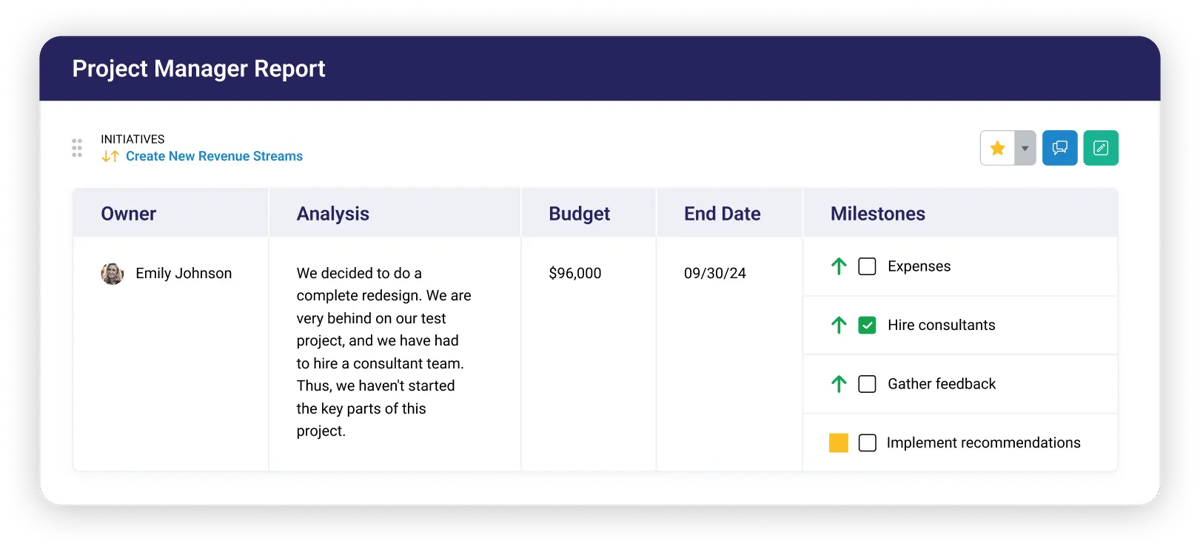
Managing a portfolio of projects can be daunting. ClearPoint lets managers roll up information at the portfolio level. With that view of project status and performance, executives and project managers can see whether projects contribute to strategic goals and whether resources are allocated well.
Arvada’s park planners show how a portfolio view helps. Their long-term projects include making sure no citizen lives more than a ten-minute walk from the nearest park. Each project page explains what the project is, why the city is doing it, how it supports the overall strategy and who is responsible. Because all their projects sit in one place, the park architects and city leadership can see where projects overlap and move resources as needed.
Ensure budget is delivering results. Browse our Project Management dashboard template
How ClearPoint Supports Project Management
Collaboration
ClearPoint supports collaboration across teams and departments. Workflows, alerts, and a MS Teams integration let everyone on a project see the big picture, which improves communication and coordination. Complex projects need that kind of teamwork.
User-Friendly Interface
ClearPoint’s interface is designed to make project management straightforward. Users can manage projects and generate reports to track progress and see which areas need attention.
Customization and Flexibility
ClearPoint offers a high degree of personalization, so users can build reports and dashboards for their own needs. The platform adapts to each organization’s requirements.
The Choctaw Nation relies on this. Its custom fields let it use its own terms, including the Extended RASCI matrix it adopted for its strategic plan. Tags keep teams standardized, and each month ClearPoint generates 60-70 individualized reports for specific leads. Filtered Briefing Books show each lead only what brings value to them. Holloway calls the result a “very personal strategic reporting experience for our leadership.”
Automated Processes
Automation is a cornerstone of ClearPoint. It cuts manual data entry and saves time. Automated processes keep data up to date, so project managers can focus on strategic decisions rather than administrative tasks.
Customer Support
ClearPoint's support team provides resources to help users get the most out of the platform. Our Support Center has guides and tutorials, and the team regularly hosts trainings for our ClearPoint Community.
ClearPoint: Your Partner in Project Management
ClearPoint Strategy's project management (PM) tools help you manage several initiatives toward strategic goals. ClearPoint links projects to strategy objectives, tracks and reports in real time, and gives teams a user-friendly place to collaborate, so organizations can execute their projects well.
Explore ClearPoint for Project Management by booking a free demonstration with a strategy expert!
See how ClearPoint tracks your projects and initiatives — book a demo
Common questions