Improve your communication with ClearPoint.
- Set up workflows and automated deadline reminders for updates. Requests go out on schedule and accountability stays clear without manual follow-up.
- Pair qualitative commentary with each quantitative result. Numbers alone miss the full picture of a strategy's progress and status.
- Build a Briefing Book for each audience and send reports on a schedule. Tailored collections make results easier to present in meetings.
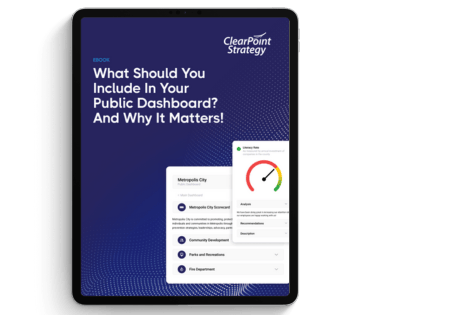
- Publish a community dashboard if you answer to the public. Real-time updates on initiatives give residents a transparent view and build trust.
- Share updates where people already work with the Microsoft Teams integration. Teams can see documents and progress without leaving their chat.
No one executes an organizational strategy alone. It takes teamwork, timely updates, and clear communication. One of the biggest hurdles in strategy execution is communicating across departments, which makes it hard to keep teams in line with the overall strategic direction. When team members are misaligned, initiatives can veer off track, and time and resources can go to waste.
Real-time reports keep stakeholders informed and involved. Organizations need an efficient way to share and interpret information, which often means a mix of qualitative insights and quantitative data. This transparency is essential, especially for public organizations, because keeping everyone engaged builds trust and buy-in.
ClearPoint Strategy was designed to support the communication that keeps your strategy on track, so everyone from executives to front-line employees is on board. Its internal and external communication tools help public and private organizations work together.
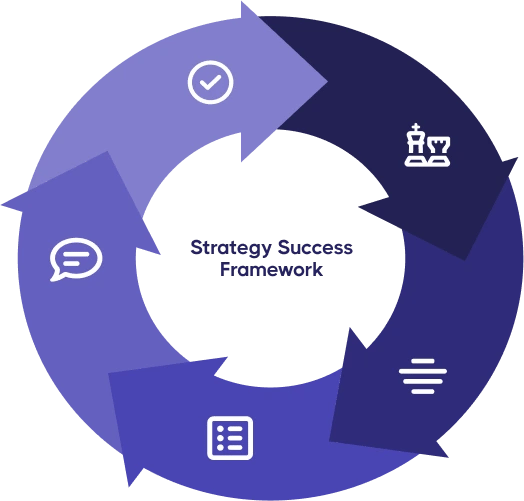
The ClearPoint Strategy Success Framework draws on over 50 years of combined experience helping organizations plan and execute their strategies. Below is a breakdown of how ClearPoint supports the fourth success factor: Communicating Results.
Find Organize Strategy, Align Organizations, and Manage Projects here.
Increased Communication
ClearPoint offers several features that allow for the dissemination of performance updates and metrics:
Workflows and Processes
ClearPoint’s Workflows coach users through updates, so tasks are tracked and completed on schedule. Automated deadline Reminders can be set up to request updates on time. These features improve efficiency and promote accountability.
First National Community Bank (FNCB) in Pennsylvania replaced a manual cycle with this approach. Its strategic planning cycle used to be managed in Excel spreadsheets in a shared drive, and two strategic plan managers oversaw members as they updated their goals by hand. Now automatic workflows send monthly reporting reminders. Reminders go out on the first of each month, members have 15 days to update their goal progress, and the whole process can be managed by one person, Vice President Tom Lunney.
Collaboration
Say a project manager needs input from a contributor on a specific task. With @Mentions, the manager can tag that person directly to get prompt attention. Alerts can notify stakeholders about any changes. On-page Discussions let you collaborate with your team in real time.
ClearPoint’s integration with Microsoft Teams makes collaboration easier. MS Teams brings together chat, video meetings, file storage, and application integration. ClearPoint for Teams lets you share updates, documents, and progress there, so everyone works toward the same goals.
Better Reporting
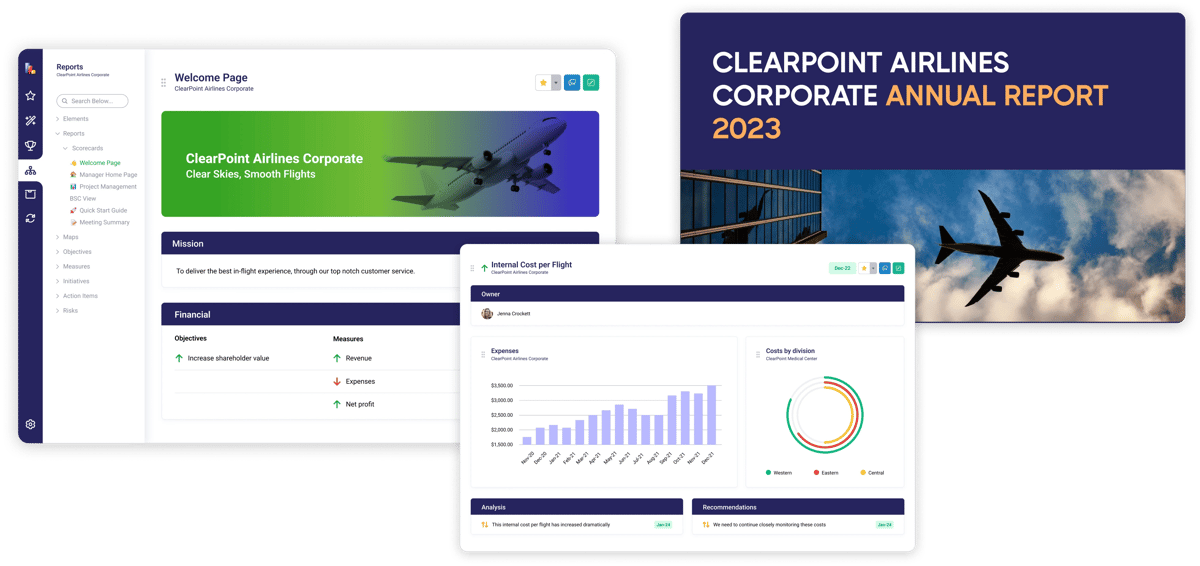
Add qualitative commentary next to each number in your ClearPoint reporting, so you capture the full picture of your strategy’s progress and status. Customizable data visualizations make measures easy to digest and help your team understand results.
Then, generate custom reports to send to specific groups on a repeating schedule. Briefing Books let you tailor collections of reports to different audiences. They work well for meetings and presentations, where you need all the relevant information in one structured package.
The Choctaw Nation of Oklahoma takes this further. Each month it generates 60-70 individualized reports and sends them to specific leads within the tribe. Tags keep the process standardized across teams, and filtered Briefing Books show each lead what they need to know and what brings value to them. Brandie Holloway, Director of Strategy, says these options, down to a personalized cover, result in a “very personal strategic reporting experience for our leadership.”
Dashboards
If you need to share information with other stakeholders, design dashboards that show your results. Build internal dashboards to monitor strategy at a glance, export graphs and charts to embed on existing sites, or publish external dashboards that pull data directly from your ClearPoint account.
Internal Dashboards
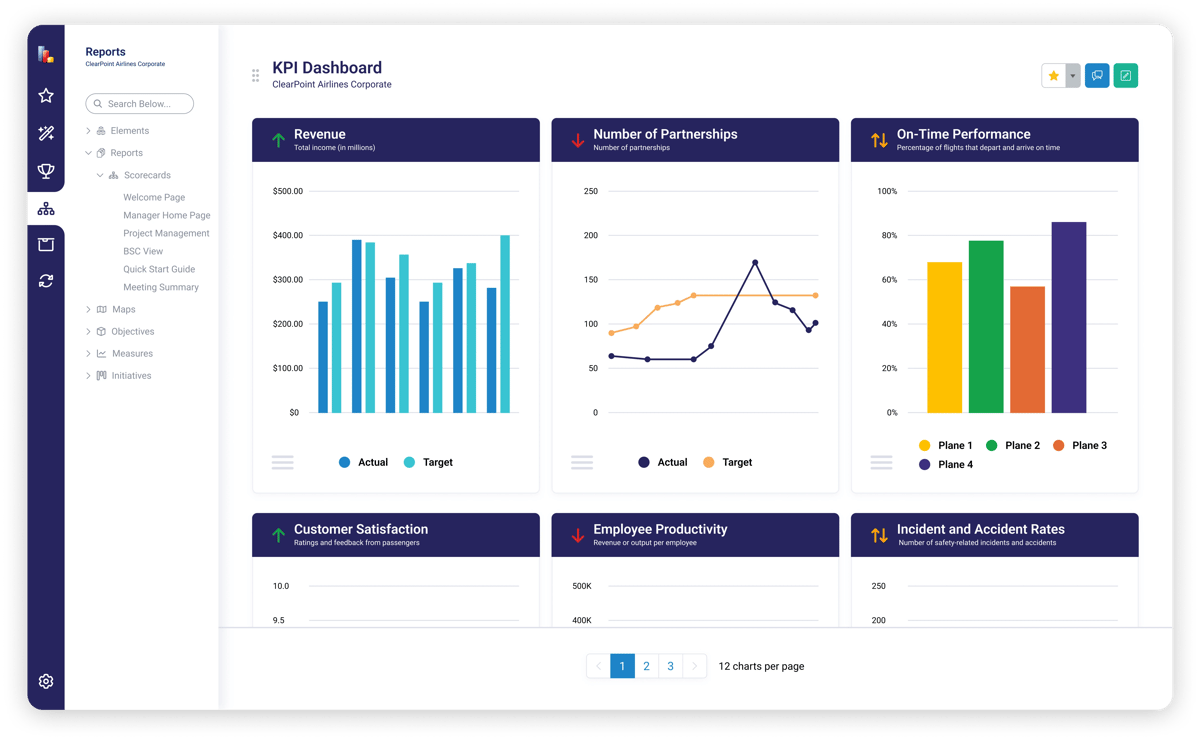
Dashboards give you one place to monitor and analyze performance data. Connect departmental objectives, measures, and projects to top-level strategic goals. That visibility helps you spot issues, improve processes, and make decisions faster. Brand your dashboards with your organization's look and feel to motivate your team.
Community Dashboards
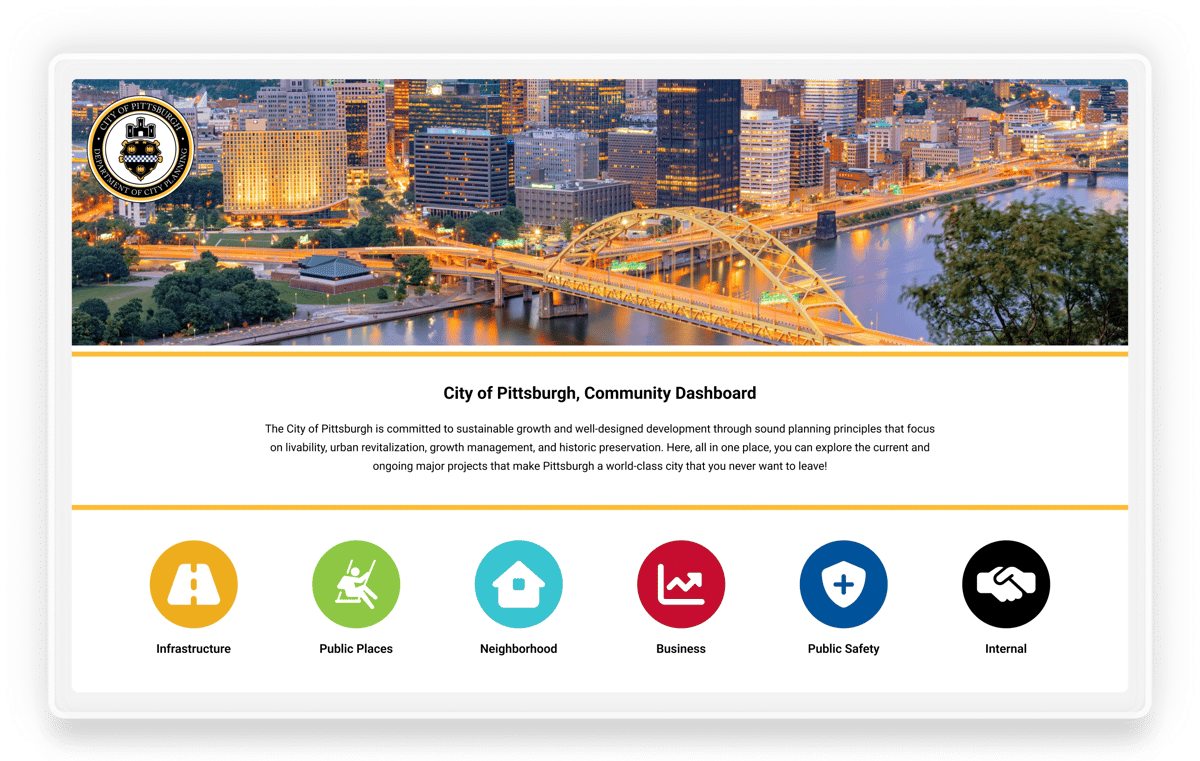
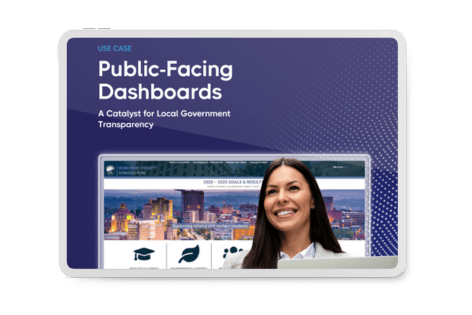
If you want to communicate openly with constituents, use public-facing dashboards. They show the public your organization’s achievements, with real-time updates on initiatives. When strategic outcomes are visible and easy to understand, communities share a sense of common goals and success.
The City of Arvada, Colorado, used its FOCUS Arvada Performance Dashboard to share its efforts and results with citizens. Citizens could view the progress the city was making toward City Council Strategic Results and departmental performance measures. Inside the organization, the same software ran Arvada’s quarterly STAT meetings, so staff and the public saw results from the same source.
Communicating Results with ClearPoint
Executing a strategy is hard work. Communicating in ClearPoint lets you spend less time building reports and more time on what matters. Book a free demo with one of our strategy experts to see how you can communicate your results better.
Common questions